
Tip & Trick

Remote work offers flexibility but exposes you to cyber threats like phishing, malware, and data breaches. These 10 security best practices—backed by IT experts—will fortify your digital workspace before hackers strike, ensuring your sensitive data stays protected without sacrificing productivity.
Multi-Factor Authentication for Every Account
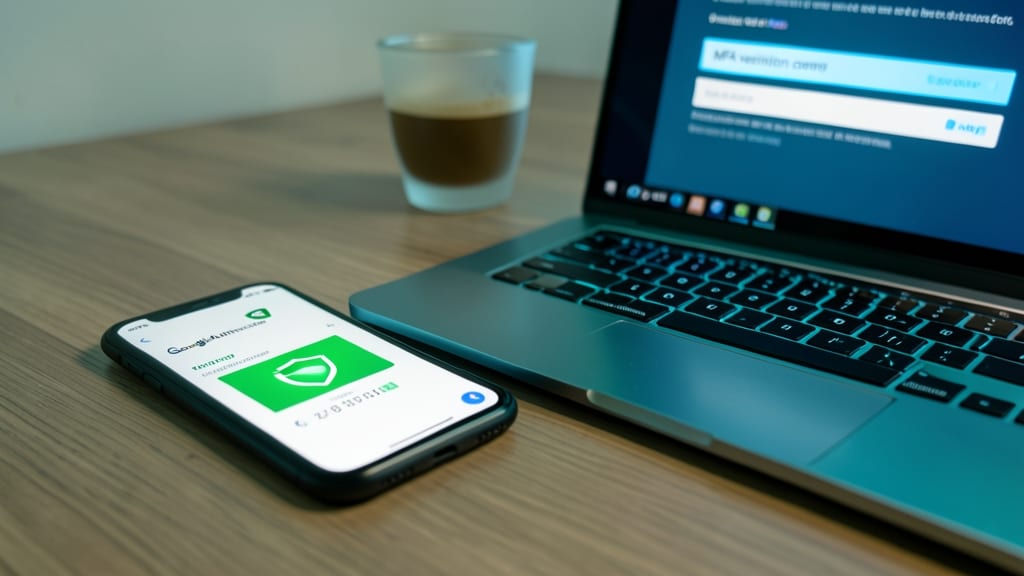
Credential theft is the #1 way hackers breach accounts—but multi-factor authentication (MFA) stops 99.9% of automated attacks before they succeed. The best part? You don’t need a tech degree to set it up.
Most services now offer zero-config MFA via apps like Google Authenticator or Authy, which generate time-sensitive codes. Even better, biometric options (Face ID or fingerprint) add friction only for you—not attackers. Services like Microsoft, Google, and Dropbox support SMS-based fallback, ensuring backup access if your phone is lost. The 30-second setup pays off instantly by locking out brute-force bots.
This is the non-negotiable for freelancers, executives, and anyone handling sensitive data. Start with your email and bank accounts—those are the crown jewels. ✨
Virtual Private Network for Public Wi-Fi

Sipping your third coffee while checking bank accounts? Public Wi-Fi at cafes and airports is a hacker’s playground—man-in-the-middle attacks intercept unencrypted traffic in seconds, exposing passwords and payment details. A VPN acts as your digital bodyguard, routing all traffic through an encrypted tunnel that even the most sophisticated snoops can’t crack.
Look for a wireless VPN with OpenVPN or WireGuard protocols (like ProtonVPN or Mullvad) for military-grade encryption. The best options also include kill switches—auto-cutting your internet if the VPN drops—to prevent accidental exposure. With a single click, you’ll browse securely from any hotspot, whether you’re drafting emails or accessing company servers.
This is non-negotiable for freelancers, remote workers, and anyone handling sensitive data. A $5/month subscription is cheaper than a single data breach—so treat it like your digital seatbelt. 💻
Password Manager with Biometric Lock
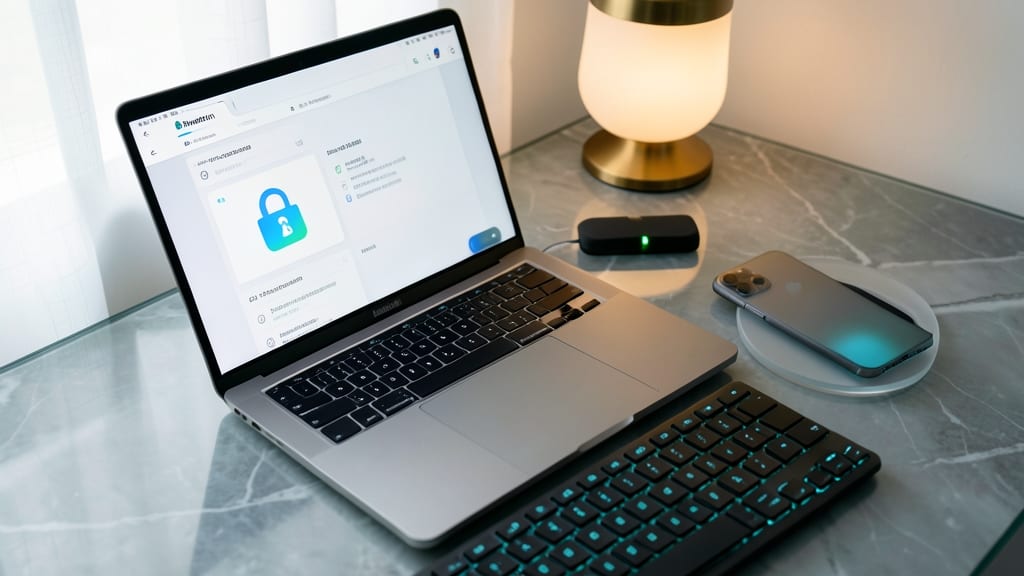
Tired of remembering (or worse, reusing) the same weak passwords across accounts? A biometric-locked password manager like Bitwarden or 1Password eliminates this risk entirely by generating and storing 2048-bit encrypted credentials—only accessible via your fingerprint or Face ID.
These tools auto-fill complex passwords, sync across devices, and even share credentials securely with team members. The zero-knowledge architecture ensures not even the company can access your data, while biometric authentication adds an extra layer of protection beyond traditional master passwords.
Perfect for legal teams, healthcare professionals, or any remote worker handling sensitive client data—this is the only tool that makes password security effortless. ✨
Endpoint Detection and Response Software
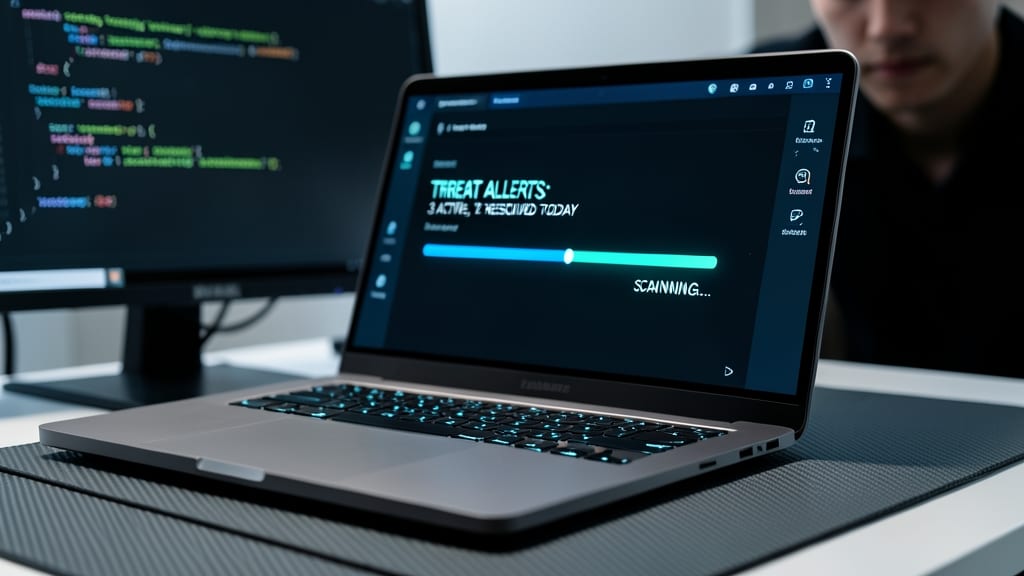
If your laptop is the only line between your freelance business and a ransomware attack, Endpoint Detection and Response (EDR) software is your silent guardian. Unlike traditional antivirus, EDR actively hunts for threats in real-time—stopping ransomware before it locks your files, even on personal devices you use for work.
Solutions like CrowdStrike Falcon or SentinelOne monitor fileless malware, suspicious process behavior, and lateral movement across your device. They integrate with cloud services (e.g., Microsoft Defender for Endpoint) and provide automated responses—like isolating infected files—without requiring IT expertise. For $20–$50/month per device, you get enterprise-grade protection tailored for remote setups.
This is a must for freelancers handling client data or SMB owners who can’t afford a full security team. It’s the difference between a quick cleanup and a week of lost work. 💪
Secure File Sharing with Encryption
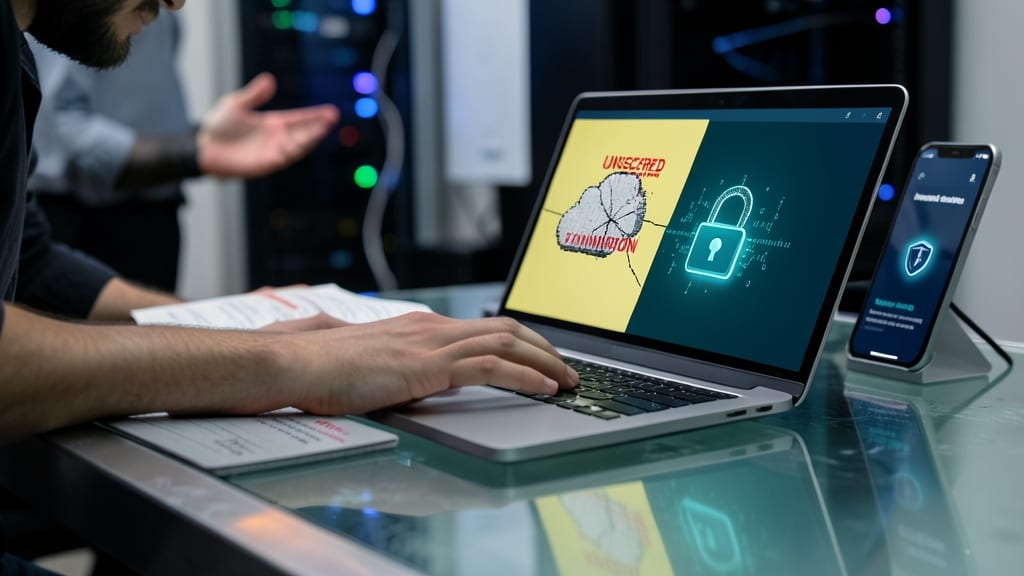
Tired of sending sensitive files through unsecured email or generic cloud links that leave your data vulnerable? Secure file-sharing tools with end-to-end encryption ensure even intercepted files stay unreadable—critical for industries like healthcare or law where PHI (Protected Health Information) or client confidentiality is non-negotiable.
Platforms like Cryptomator or Virtru integrate seamlessly with cloud storage (Google Drive, Dropbox) while adding military-grade encryption—meaning only you (or authorized recipients) can decrypt files, even if hackers breach the storage provider. Features like password-protected shares and expiration timers add extra layers, while HIPAA/GDPR compliance checks ensure adherence to strict regulations.
This is the go-to solution for legal firms, medical practitioners, or consultants who frequently exchange confidential documents. No more risky "dropbox" links—just peace of mind. ✨
Regular Software Patch Management
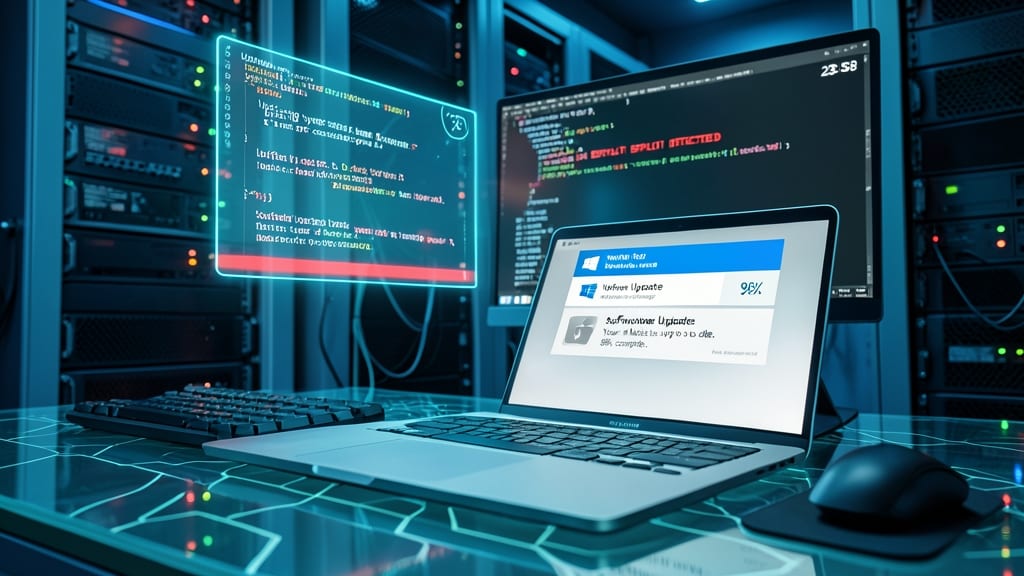
Zero-day exploits like Log4j and SolarWinds prove how quickly unpatched software becomes a hacker’s playground. The good news? Automated patch management closes these backdoors before they’re exploited—often in under 24 hours.
Modern tools like Windows Update, Apple Software Update, and third-party patch managers (e.g., Patch My PC or SolarWinds Patch) handle updates silently in the background. They prioritize critical security fixes first, reducing manual intervention by 90%. Even free options like Windows Defender’s automatic updates block 80% of known vulnerabilities without lifting a finger.
This is non-negotiable for freelancers, IT admins, and small business owners—where a single unpatched app can expose client data or entire networks. Set it and forget it. ⚡
Physical Security for Home Workspaces
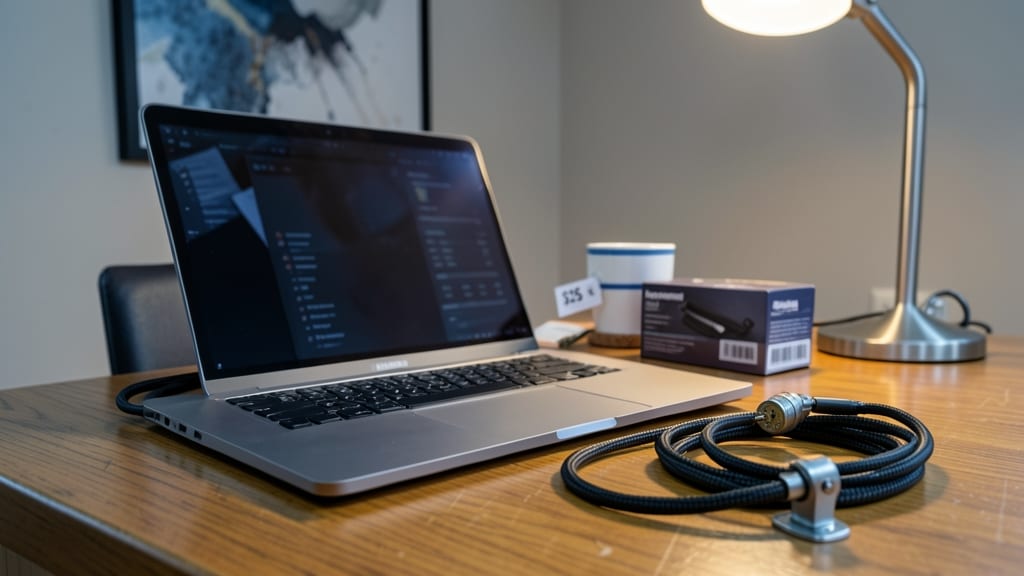
Your laptop holds more than just work files—it might contain unencrypted client records, tax documents, or financial data. A cable lock ($15–$30) or hardware security cable ($20–$50) turns your home office into a fortress when you step away, deterring opportunistic theft that could expose sensitive information.
Look for kickstand-compatible locks like the Kensington VeriMark or CableOrganizer’s 12-foot cable—both resist cutting tools and attach to desk anchors or heavy objects. Pair it with a smart doorbell camera (e.g., Ring Stick Up Cam) to monitor your workspace remotely, sending alerts if someone lingers near your desk. These tools add zero config to your security stack.
This is non-negotiable for freelancers, consultants, and gig workers who store client data locally—even encrypted files can be decrypted offline. A locked device buys you time to remotely wipe data if theft occurs. 🔧
Phishing Simulation Training Programs
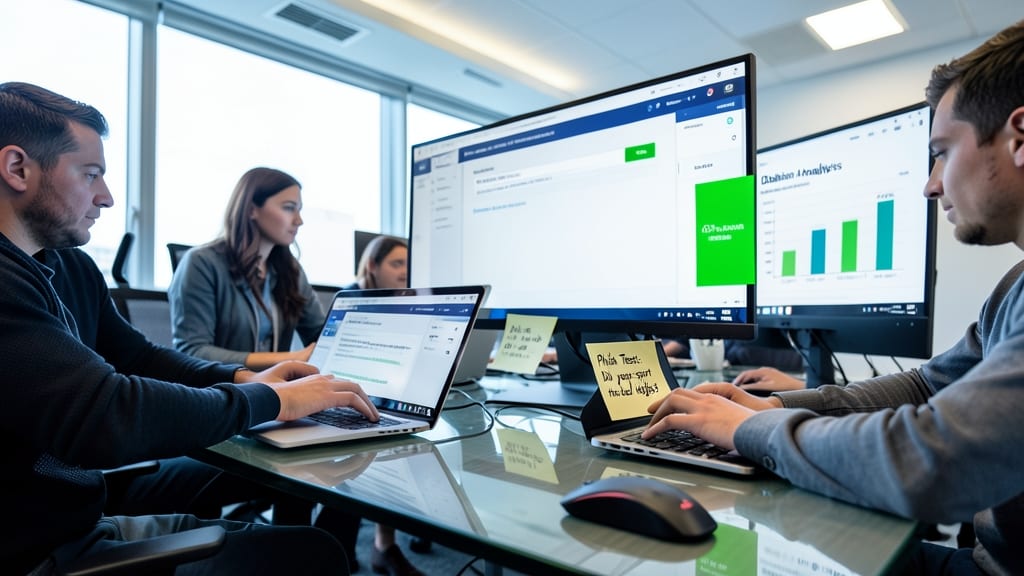
Your team’s biggest security weakness might be the people using the devices—not the tech itself. Phishing simulation programs like KnowBe4 or GoPhish train employees to spot fake emails, reducing malicious clicks by 70% without adding IT overhead.
These platforms send realistic fake phishing tests (e.g., "urgent password reset" scams) and track responses in dashboards. Advanced versions include customizable templates to mimic your company’s branding, while automated reports highlight weak spots. Some even integrate with Slack or Teams for quick alerts when someone falls for a test.
Perfect for remote-first teams or SMBs where IT support is thin, these tools turn employees into proactive defenders. 💻
Secure Remote Desktop Protocols
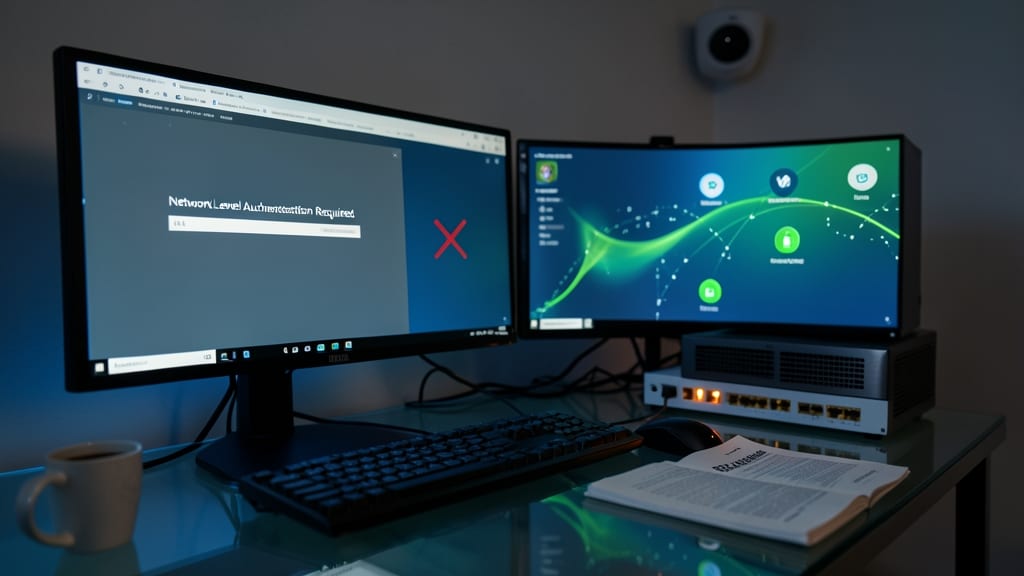
If your remote work involves managing company servers from home, unencrypted Remote Desktop Protocol (RDP) is a hacker’s dream—exposing credentials and session data to interception. The solution? VPN-integrated RDP protocols like Microsoft’s RDP with Network Level Authentication (NLA) or third-party tools like TeamViewer Enterprise, which encrypt sessions end-to-end before they even reach your device.
These protocols enforce TLS 1.3 encryption by default, ensuring that even if someone captures your traffic, they’ll only see gibberish. Features like multi-factor authentication for connection approvals and session timeouts add extra layers, while audit logs track every access attempt. For IT admins, this means zero trust by default—no more assuming your home network is secure.
This setup is non-negotiable for IT admins, DevOps teams, or anyone accessing corporate infrastructure remotely. It’s the digital equivalent of locking your front door before leaving town—except here, the stakes are data breaches instead of burglaries. 💻
Incident Response Plan Documentation
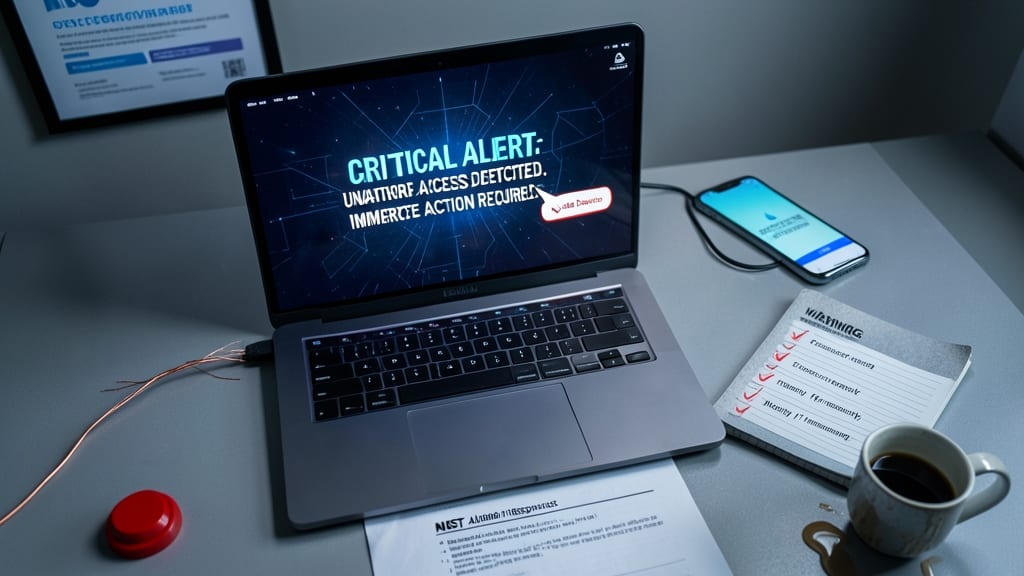
When a breach happens, seconds count—but panic wastes them. A pre-built incident response plan turns chaos into action, with clear steps to isolate infected devices and escalate issues to IT (or your own checklist) before damage spreads.
Most templates include NIST-aligned checklists for malware, phishing, or ransomware events, plus contact lists for vendors or legal teams. Tools like SentinelOne’s response playbooks or CISA’s free templates let you customize for your workflow, ensuring you’re not scrambling to remember who to call. The key is documenting your exact steps—from unplugging Wi-Fi to backing up logs—so muscle memory kicks in during high-pressure moments.
This is non-negotiable for freelancers, consultants, and small agencies handling client data. Even if you outsource IT, having a one-page reference with your emergency contacts and device isolation commands (like netsh advfirewall set allprofiles state off) can save hours of lost revenue. 💪