
Software
Microsoft Teams is transforming classrooms worldwide by making collaboration seamless and engagement interactive. Discover how schools leverage this powerful tool to enhance learning, streamline communication, and prepare students for the digital future.
Seamless Classroom Communication Platform
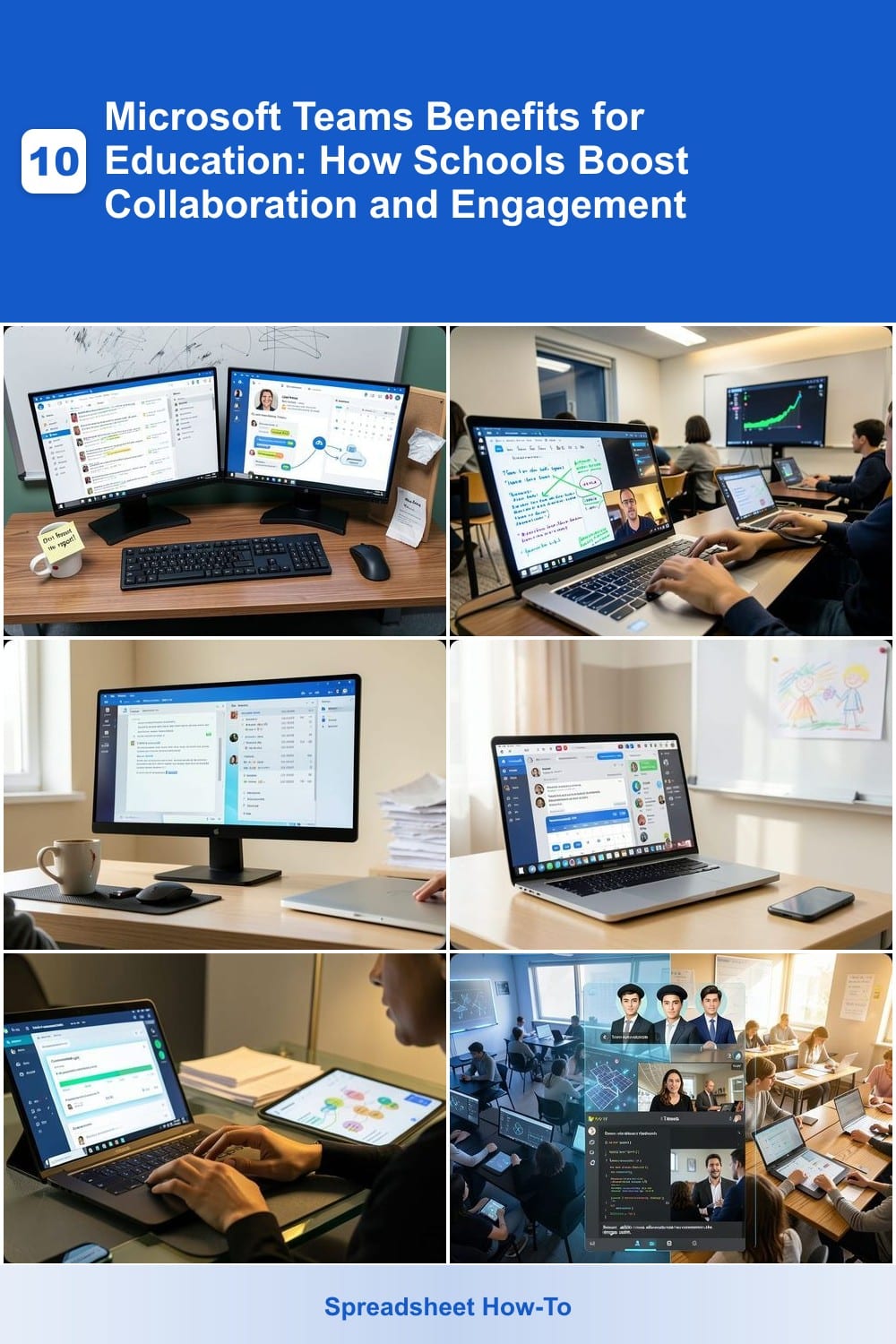
Tired of chasing down missed emails or hunting for lost bulletin board notes? Microsoft Teams consolidates all classroom communication—announcements, reminders, and real-time chats—into one secure, organized hub. No more juggling separate apps or digging through inboxes; everything syncs in dedicated class channels where teachers post updates and students ask questions instantly.
The platform’s @mentions ensure critical messages cut through the noise, while reminder bots automatically notify students about deadlines or upcoming events. With hybrid learning support, teachers can share live updates whether students are in the classroom or logging in remotely. Plus, parent channels keep guardians looped in without cluttering student feeds.
This is the perfect solution for schools balancing in-person and virtual learning—where clarity and accessibility matter most. ✨
Virtual Classroom Integration with Live Lessons
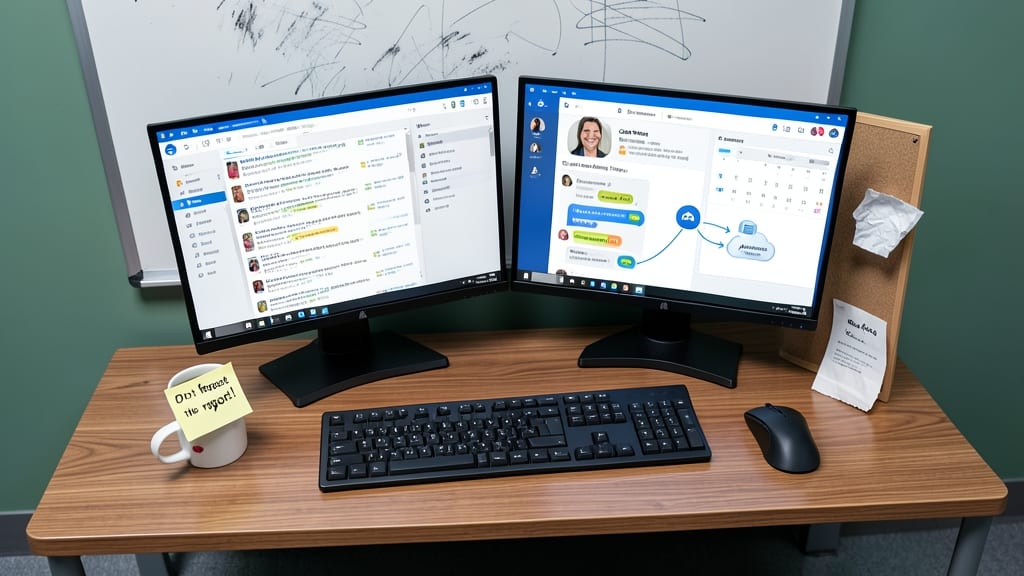
Say goodbye to passive lectures—Microsoft Teams turns every lesson into an interactive experience with built-in tools that keep students engaged. The platform’s live lessons feature lets teachers share screens, annotate in real-time, and even record sessions for later review, ensuring no student misses key concepts.
With breakout rooms (up to 50 participants), you can split classes into smaller groups for discussions or collaborative projects, while live polls and quizzes gauge understanding instantly. The digital whiteboard adds a dynamic layer, letting students contribute ideas visually—perfect for brainstorming or solving complex problems together.
This is a game-changer for flipped classrooms or global partnerships, where students from different time zones can collaborate seamlessly. Teachers love how it reduces distractions while keeping energy high—no more raising hands in a crowded room! ✨
Secure File Sharing and Collaboration Tools
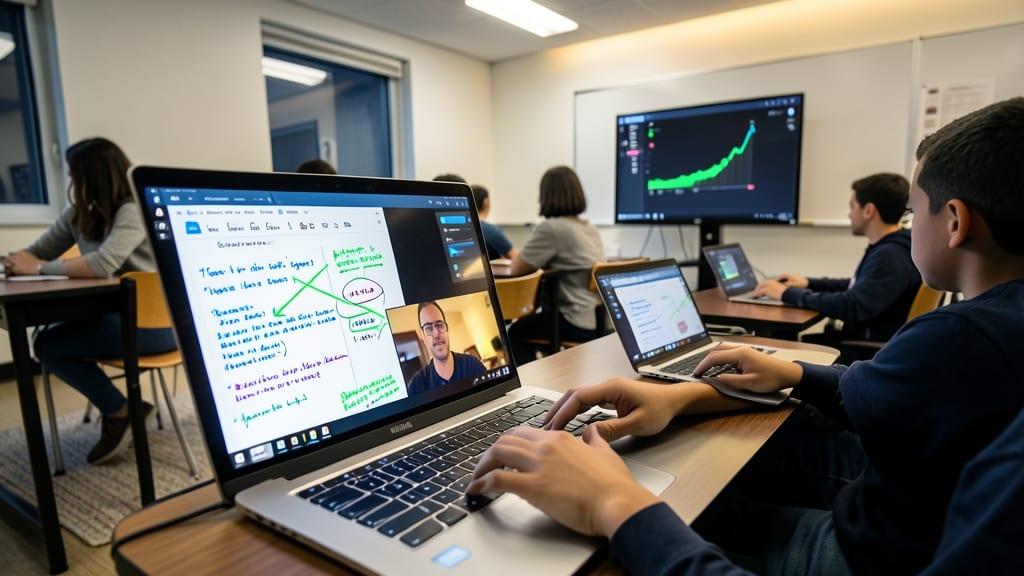
Tired of lost USB drives or frantic "Who has the final version?" emails? Microsoft Teams' cloud-based file storage and real-time co-authoring in Word and Excel solve these headaches instantly. Every edit is tracked, with version history letting students revert to earlier drafts—no more overwritten files or mysterious "File Not Found" errors.
The OneDrive integration ensures all assignments auto-save to the cloud, while shared folders keep group projects organized. Teachers can leave feedback directly on documents, and students see changes in real-time—perfect for collaborative research papers or group presentations. End-to-end encryption keeps sensitive work secure, too.
This feature is a game-changer for high school research teams or university group projects, where multiple contributors need to work simultaneously without conflicts. Say goodbye to version chaos! ✨
Parent-Teacher-Student Engagement Hub
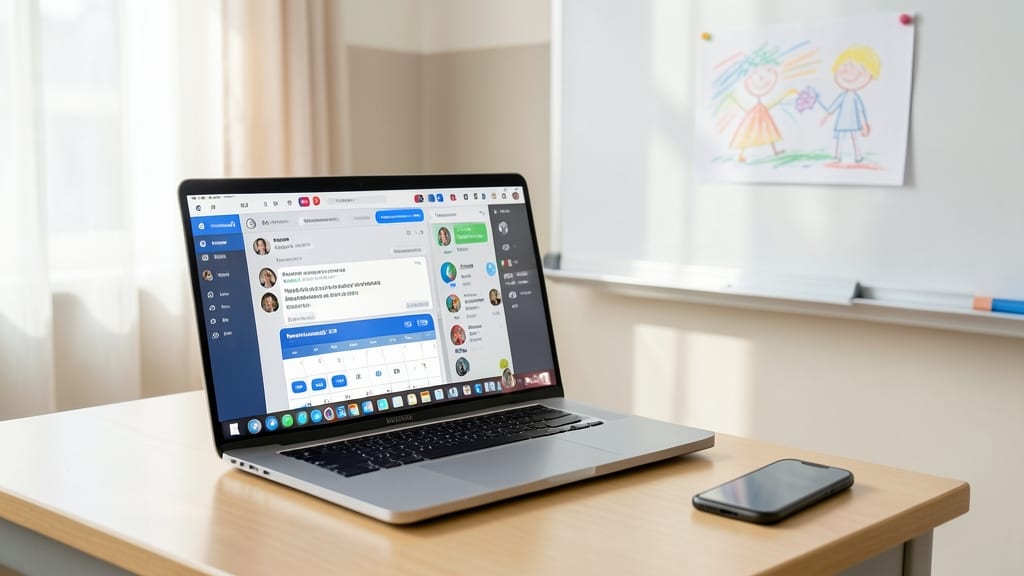
Tired of juggling Remind, ClassDojo, and phone calls just to keep parents in the loop? Microsoft Teams’ dedicated parent channels streamline school-home communication with real-time updates and event scheduling—all in one place.
Create private parent groups for each class, share instant updates on assignments or field trips, and even schedule PTA meetings directly in the app. The built-in calendar syncs with Outlook, so no one misses deadlines, while @mentions ensure messages get seen—no more lost voicemails or forgotten notes. Teachers can also share student progress reports or photos (with permissions) to foster transparency.
This feature is a game-changer for schools balancing parent engagement and efficiency. Whether it’s hybrid learning or in-person, Teams turns scattered communication into a centralized, organized hub that keeps everyone connected. ✨
Built-In Assessment and Feedback Features
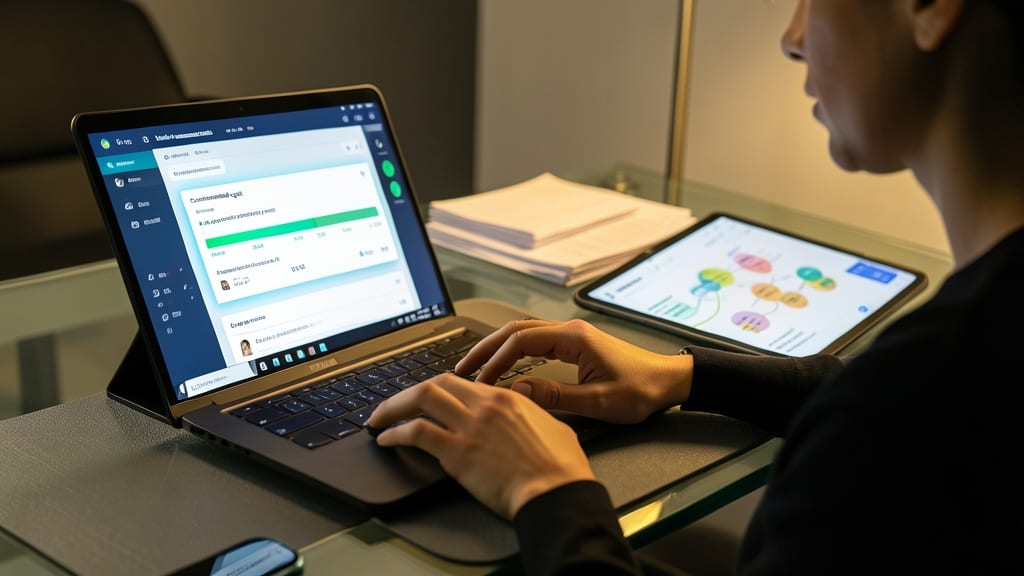
Tired of spending weekends grading papers instead of planning engaging lessons? Microsoft Teams’ built-in assessment tools turn grading from a chore into a streamlined process—while keeping students motivated with real-time progress updates.
Create customizable quizzes with auto-graded questions, design detailed rubrics for assignments, and track submissions in one dashboard. The assignments tab lets you set due dates, provide feedback directly in files, and even use peer review tools to foster collaboration. Students receive instant notifications when feedback is ready, reducing the "when will I get my grade?" anxiety.
This feature is a game-changer for time-strapped educators and self-paced learners. Whether you’re teaching high school math or college literature, Teams’ assessment tools cut grading time by up to 40% while keeping students engaged with immediate insights. ✨
Global Collaboration Opportunities
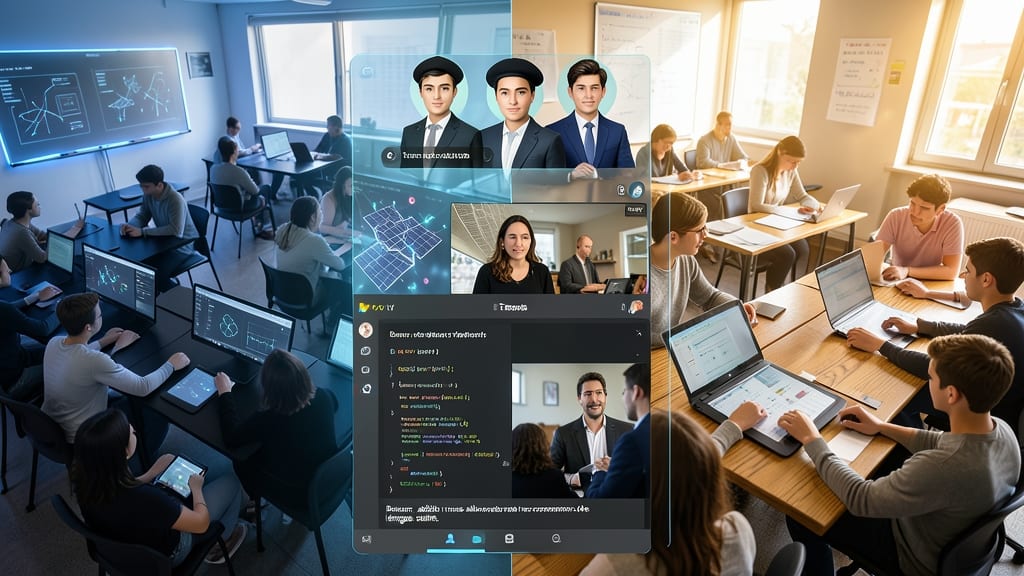
Imagine students in Tokyo collaborating with peers in Texas on a shared STEM project, or French learners practicing conversation with native speakers in Paris—all within the same Microsoft Teams classroom. This isn’t science fiction; it’s the power of global collaboration breaking down geographical barriers to create richer, more diverse learning experiences.
Teams makes it effortless to connect classrooms worldwide through dedicated education channels, real-time translation tools, and shared project workspaces. Teachers can invite guest speakers from anywhere—like a marine biologist in Australia or a historian in London—to join live lessons via Teams Meetings. For students, it’s an opportunity to work on cross-cultural projects, like designing sustainable cities with peers from different continents, or participating in virtual exchange programs that build global citizenship skills.
This feature is a game-changer for schools looking to prepare students for a connected world. Whether you're a teacher seeking international partnerships or a student eager to learn from global experts, Teams turns your classroom into a borderless hub of knowledge and innovation. ✨
Accessibility Tools for Inclusive Learning
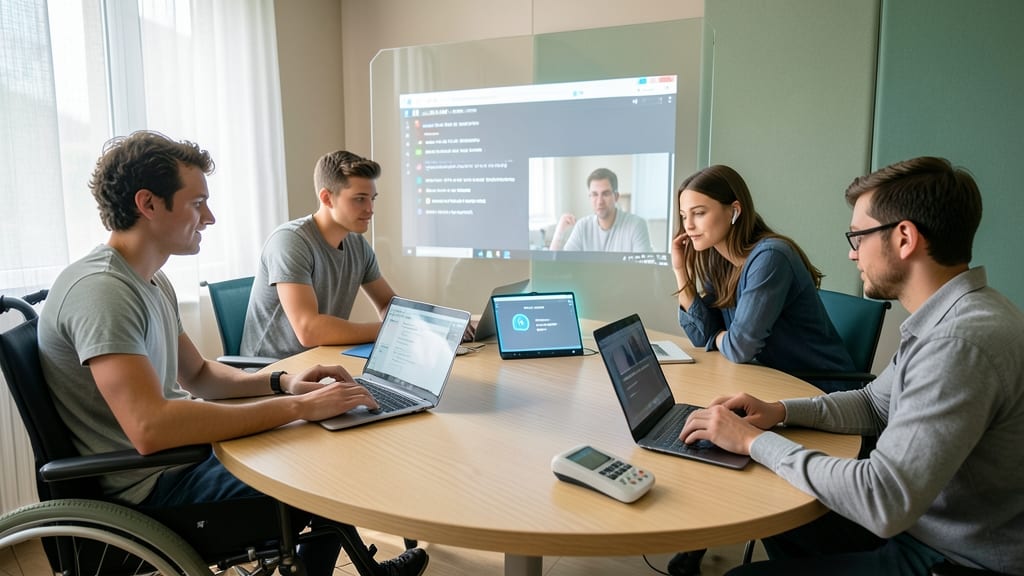
Every student deserves to fully participate in learning—yet many face barriers in traditional digital classrooms. Microsoft Teams removes those obstacles with built-in accessibility tools that adapt to individual needs, ensuring no one is left behind during lessons or discussions.
With live captions (available in 40+ languages), students who are deaf or hard of hearing can follow along in real-time without relying on separate transcription services. The screen reader integration (compatible with JAWS and NVDA) lets visually impaired students navigate Teams with voice commands, while customizable high-contrast themes and font scaling make interfaces easier to read. For students with motor challenges, keyboard shortcuts and one-handed navigation options simplify interactions.
These tools aren’t just bolt-ons—they’re designed into Teams’ core, making them zero-configuration for educators. Perfect for schools prioritizing equity, they ensure every learner engages at their own pace. ✨
Integration with Microsoft Office 365
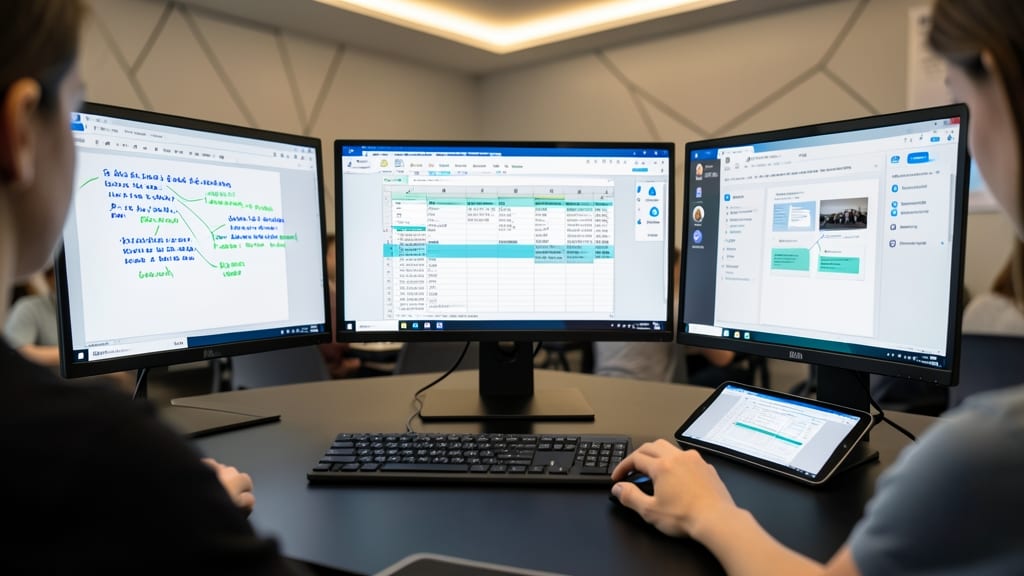
Why juggle multiple apps when your classroom’s most powerful tools are already connected? Microsoft Teams’ deep integration with Office 365 turns standalone apps like Word, Excel, and PowerPoint into real-time collaboration hubs—no extra logins or file transfers needed.
Embed a live PowerPoint presentation directly in a Teams meeting, let students co-edit an Excel spreadsheet in real time, or share research notes in OneNote with instant updates. The @mentions feature ensures everyone stays on the same page, while version history tracks changes—perfect for group projects or teacher feedback. Plus, autosave means no lost work when a student forgets to hit "save."
This is especially game-changing for research projects, presentations, and peer reviews, where seamless transitions between apps save time and keep students engaged. ⚡
Automated Attendance and Check-Ins
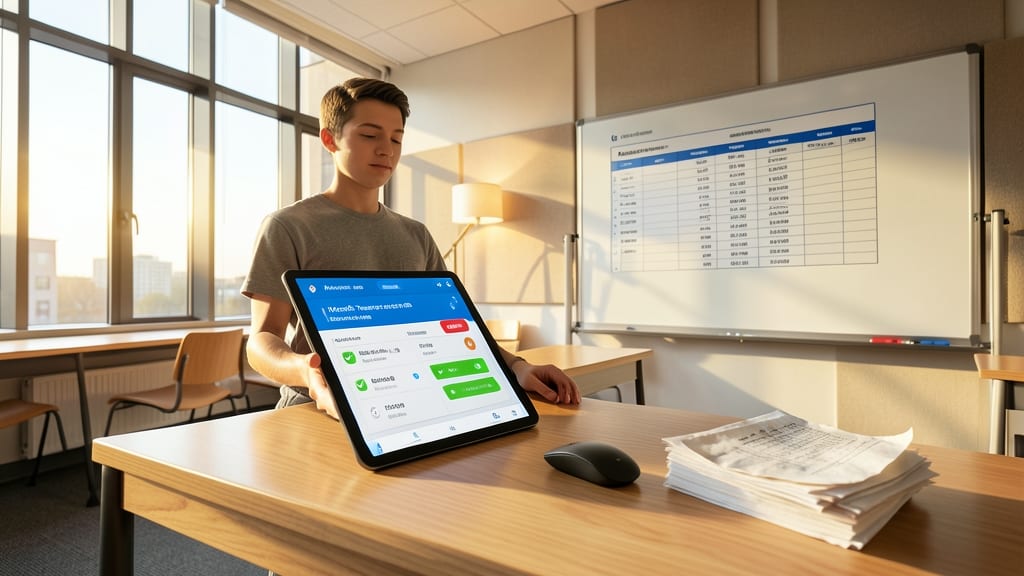
Say goodbye to manual attendance sheets and hello to Microsoft Teams' automated check-in system—a game-changer for teachers drowning in paperwork. With just a few clicks, you can launch a real-time roll call, track tardies, and even generate reports that sync with school databases, all while students confirm their presence via a simple notification.
This feature goes beyond basic attendance by sending automated alerts to parents when students are marked absent or late, bridging communication gaps instantly. The system also integrates with class schedules, so you never miss a period or forget to log attendance during hybrid learning days. Plus, the customizable status updates let students indicate if they’re present, late, or excused—reducing follow-up questions and freeing up your time for what matters most.
Perfect for busy educators juggling multiple classes, this tool cuts administrative time by up to 30% while keeping parents informed and students accountable. No more chasing down missing signatures or deciphering illegible handwriting—just seamless, digital efficiency. ✨
Cost-Effective Solution for Schools
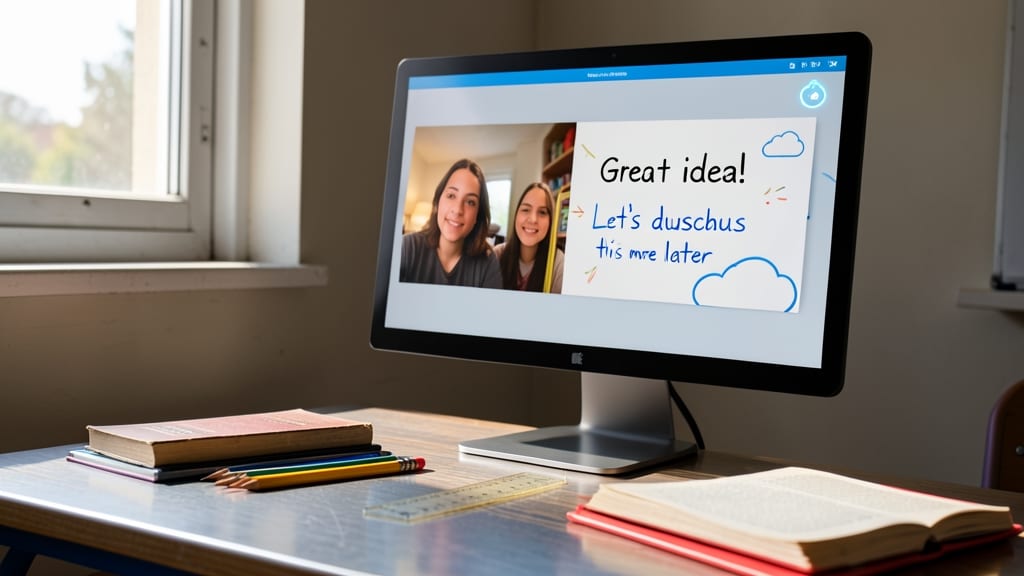
Struggling with tight school budgets? Microsoft Teams offers a zero-cost solution for educational institutions through Microsoft 365 Education, eliminating the need for expensive third-party tools. This means schools can access all collaboration features—from video calls to file sharing—without breaking the bank.
With free licensing for teachers and students, districts save thousands on apps like Zoom, Google Classroom, or Slack. The platform also integrates seamlessly with Microsoft Office 365, further reducing costs by consolidating tools into one ecosystem. No hidden fees or per-user charges—just pure functionality.
Perfect for district-wide adoption, this solution lets schools focus resources on what matters most: equipping students with 21st-century skills—not managing multiple subscriptions. 💪