
Software

Standardized date and time formats ensure compatibility across systems. As a developer, mastering these essential patterns prevents errors in APIs, databases, and user interfaces—saving time and reducing debugging headaches.
ISO 8601 Date Format (YYYY-MM-DD)
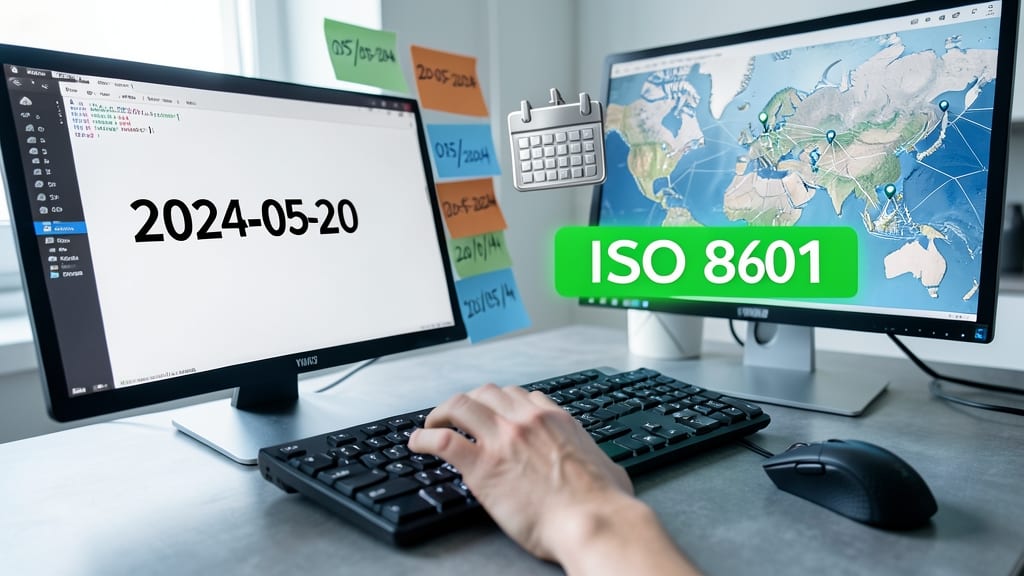
Tired of debugging date parsing errors in your international applications? The ISO 8601 (YYYY-MM-DD) format is the universal solution, adopted by every major programming language and API to eliminate ambiguity once and for all. Unlike regional formats, this standard ensures "2024-05-20" is always May 20, 2024—no matter where your users are located.
With zero ambiguity and machine-readability, this format powers everything from REST APIs to database storage. Python’s datetime.isoformat(), JavaScript’s toISOString(), and even Excel recognize it natively. The structure—YYYY-MM-DD—sorts chronologically when read left-to-right, making it perfect for logs, analytics, and global systems where consistency is critical.
Backend developers and API designers rely on ISO 8601 to ensure their systems communicate seamlessly across borders. For any application with international users, this is the default choice. ⚡
RFC 2822 Email Date Format (Weekday, DD Mon YYYY)
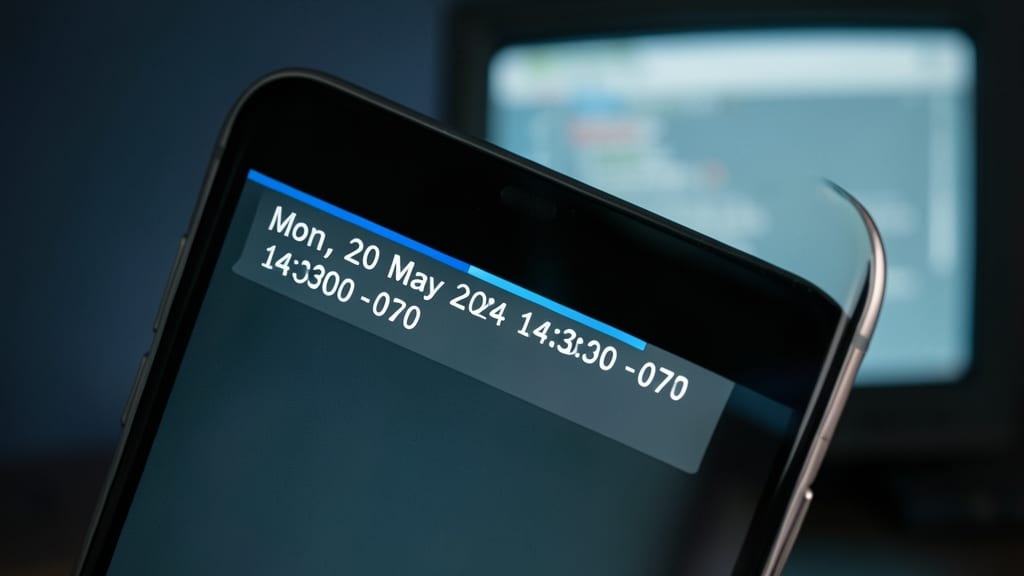
Ever noticed how emails always display dates like "Mon, 20 May 2024 14:30:00 -0700"? That’s RFC 2822—the hidden standard powering email headers and SMTP protocols. Unlike machine-friendly ISO 8601, this format prioritizes human readability while ensuring compatibility across every email client, from Outlook to Gmail.
The format follows a strict structure: Weekday, DD Mon YYYY HH:MM:SS ±ZZZZ (e.g., Mon, 20 May 2024 14:30:00 -0700), where the timezone offset (±HHMM) prevents ambiguity. Libraries like Python’s email.utils.formatdate() or JavaScript’s new Date().toString() generate compliant strings automatically, while SMTP servers enforce it for message validation.
Email developers and sysadmins rely on RFC 2822 to ensure timestamps render correctly in inboxes and logs—no parsing errors, no timezone chaos. For applications handling SMTP or parsing raw email headers, this is the non-negotiable standard. 💻
Unix Timestamp (Seconds Since 1970-01-01)

When your application needs to crunch time-based data at lightning speed, Unix timestamps are the unsung hero. Representing time as seconds since January 1, 1970 (UTC), this format excels where human-readable dates falter—especially in calculations, sorting, and database storage.
At its core, a Unix timestamp is a 32-bit or 64-bit integer (e.g., 1716123400 for May 20, 2024), making it perfect for comparisons, indexing, and storage efficiency. Most programming languages support it natively: Python’s time.time(), JavaScript’s Date.now(), and PHP’s time() function all return timestamps by default.
Ideal for backend systems, analytics pipelines, and APIs, this format eliminates timezone parsing headaches. Developers working with logs, event tracking, or financial transactions will find it indispensable for precision and performance. ✨
US Localized Format (MM/DD/YYYY)
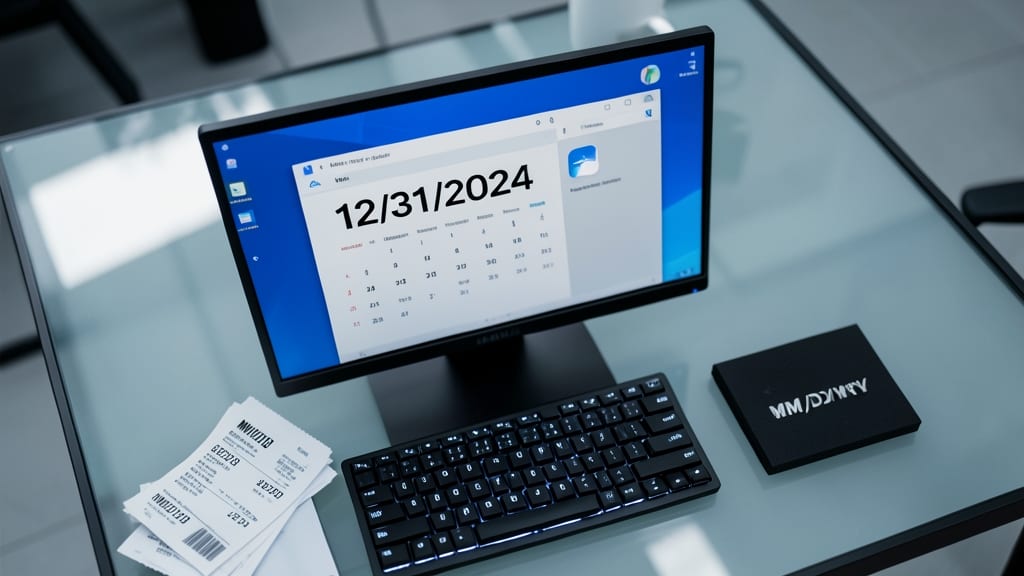
If you're developing software primarily for the U.S. market, the MM/DD/YYYY format is likely the default your users expect. It's deeply embedded in American systems, from Windows date settings to banking applications, making it feel intuitive for domestic audiences.
However, this format can cause critical parsing errors in internationalized applications. For example, "05/20/2024" could be interpreted as May 20th in the U.S. but May 20th or May 5th in other countries. Always validate inputs and consider using ISO 8601 (YYYY-MM-DD) for internal processing to avoid ambiguity.
This format shines in localized U.S. applications like HR systems or healthcare software, but should be avoided in global APIs where consistency matters more than local preference. ✨
24-Hour Military Time (HHMM)

When every second counts—like in aviation flight plans or hospital patient records—24-hour military time (HHMM) eliminates ambiguity. This format strips away AM/PM confusion, ensuring clarity across global teams where time zones and schedules demand precision.
The format uses a four-digit code (e.g., 1430 for 2:30 PM), making it ideal for systems where automated parsing is critical. Aviation uses it for flight logs, logistics teams rely on it for shipment tracking, and healthcare systems integrate it into patient vitals and treatment schedules to avoid miscommunication. Libraries like Python’s datetime.strptime() or JavaScript’s toLocaleTimeString({ hour12: false }) make conversion straightforward.
Perfect for developers building time-sensitive applications—especially in industries where human error can’t be tolerated. ⚡
SQL DateTime Format (YYYY-MM-DD HH:MM:SS)
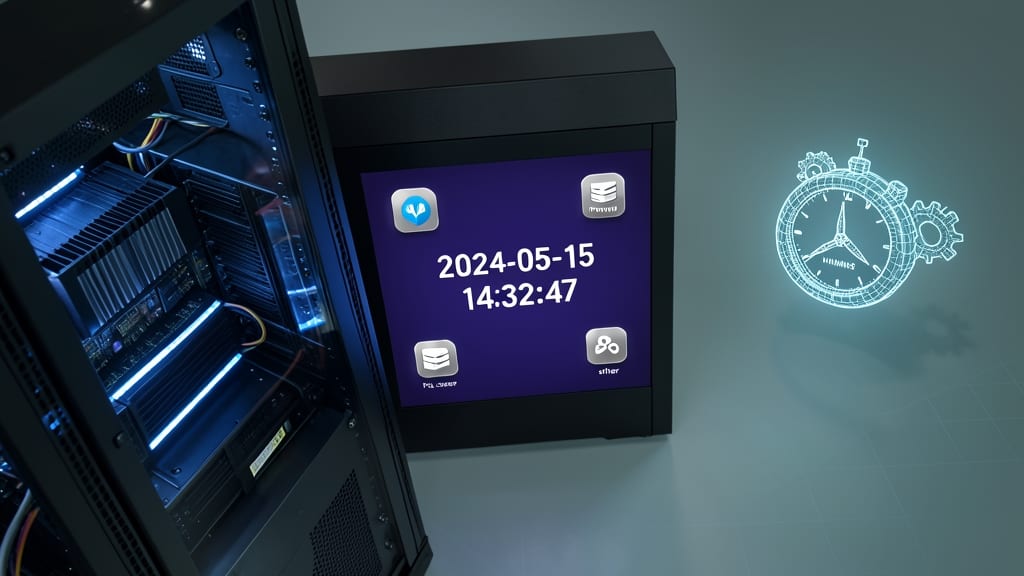
When your application relies on precise timestamps—like tracking transactions or scheduling events—SQL’s YYYY-MM-DD HH:MM:SS format is the gold standard for database storage. Unlike Unix timestamps or localized formats, this structure guarantees consistency across MySQL, PostgreSQL, SQL Server, and SQLite, while preserving granularity down to the second.
This format’s ISO 8601-inspired design (with added time precision) ensures seamless parsing in queries, reports, and APIs. For example, INSERT INTO logs (timestamp) VALUES ('2024-05-20 14:30:45') works universally, while `SELECT * FROM events WHERE timestamp BETWEEN '2024-01-01 00:00:00' AND '2024-12-31 23:59:59'` handles time ranges flawlessly. Most SQL clients auto-format this way, reducing manual conversion headaches.
Developers building audit logs, financial systems, or event-driven apps will find this the safest choice—especially when collaborating across teams using different SQL dialects. ⚡
JavaScript Date Object (Locale-Aware Strings)

Tired of hardcoding date formats for every locale? The JavaScript Date Object with toLocaleString() handles it automatically, adapting to the user’s language and region settings without extra work.
This method dynamically converts dates like new Date().toLocaleString("en-US") to "5/20/2024, 2:30:45 PM" or toLocaleString("fr-FR") to "20/05/2024 à 14:30:45". It supports over 40 locales, including timezones, ensuring consistency across global web apps. Perfect for dashboards or user profiles where localization matters.
Frontend developers building multilingual apps will love this zero-config solution—just pass the locale code, and JavaScript does the heavy lifting. ✨