
Operating System

Struggling to stay organized in 2023? These 10 free OneNote planner templates transform your digital notebook into a productivity powerhouse—no design skills required. Whether you're a student, professional, or creative, these customizable layouts help you track goals, manage projects, and simplify daily tasks across devices.
Minimalist Weekly Planner with Priority Flags
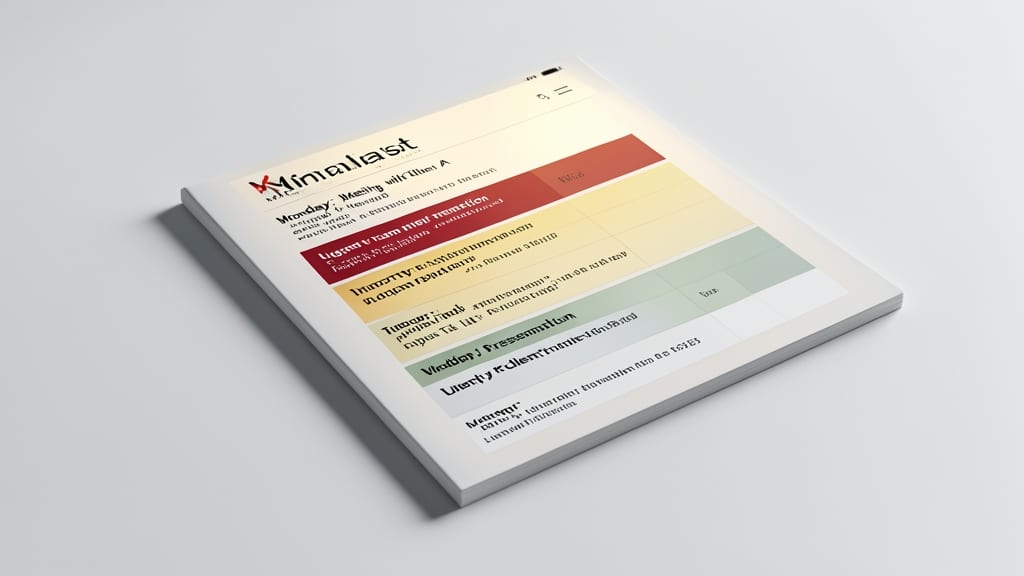
If your to-do list feels like a digital landfill, this Minimalist Weekly Planner clears the clutter with surgical precision. Built for professionals who thrive on simplicity, it replaces overwhelming lists with a color-coded priority system—red for urgent, yellow for important, and green for routine tasks—so you can focus on what truly moves the needle without decision fatigue.
The template features a clean, distraction-free layout with dedicated sections for weekly goals, daily tasks, and notes—all designed to fit on a single screen. OneNote’s searchable tags let you filter tasks by project or context, while the drag-and-drop interface lets you rearrange priorities in seconds. Best of all, it syncs across devices, so your focus stays aligned whether you’re at your desk or on the go.
Perfect for executives, consultants, and freelancers who juggle high-stakes priorities daily. Ditch the mental juggling act and let this template do the heavy lifting for you. ⚡
Bullet Journal Hybrid Daily Layout
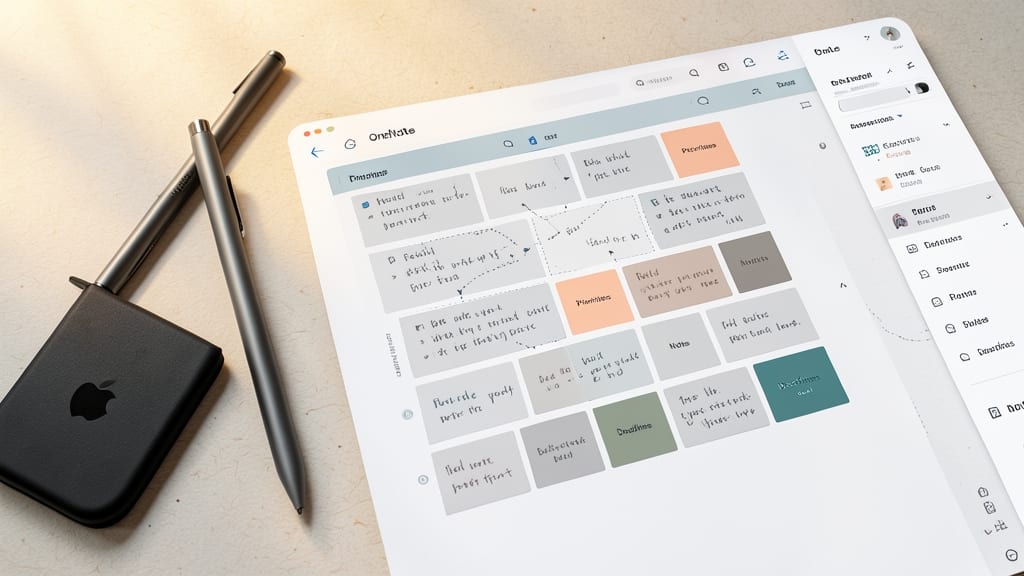
If you love the tactile satisfaction of a Bullet Journal but crave the searchability and flexibility of digital tools, this hybrid daily layout bridges the gap perfectly. Designed for digital minimalists, it mimics the rapid-logging system of the classic BuJo while leveraging OneNote’s searchable tags and cross-device syncing—no paper clutter required.
The template features handwritten-style fonts for that analog feel, alongside checkboxes, task flags, and rapid-log sections that adapt to your workflow. OneNote’s ink tools let you sketch, doodle, or jot notes directly on the page, while custom tags (like #urgent or #creative) turn your notes into a searchable knowledge base. Best of all, it syncs seamlessly across your phone, tablet, and desktop, so your ideas stay with you—whether you’re brainstorming at a café or reviewing tasks before bed.
This is the ideal solution for freelancers, writers, and creatives who want the structure of a Bullet Journal without the limitations of pen and paper. Ditch the guilt of lost notebooks and embrace a system that grows with you. ✨
Project Management Kanban Board
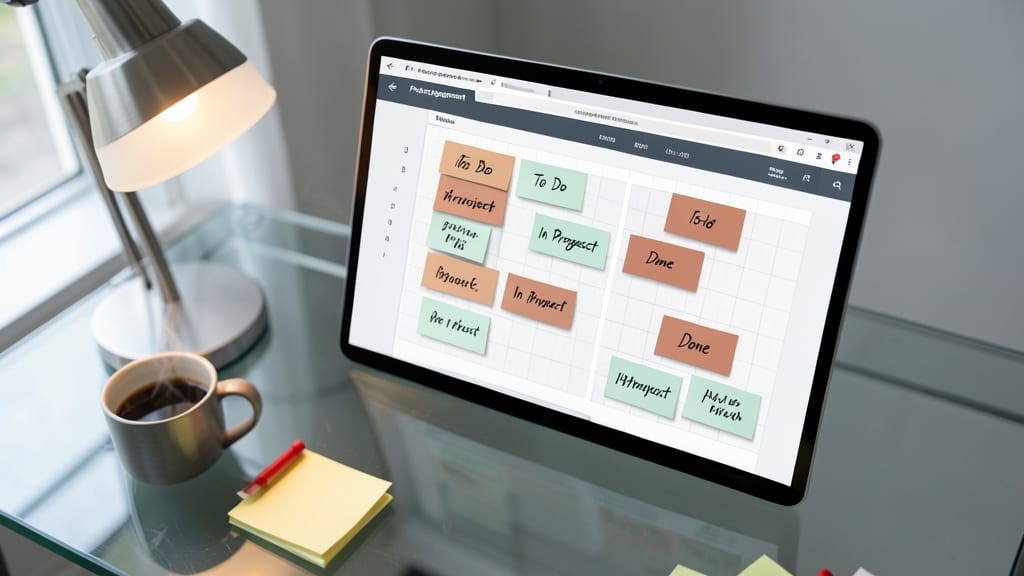
If you're juggling multiple projects and drowning in sticky notes, this Project Management Kanban Board template brings clarity to chaos. Designed for Agile workflows, it transforms your OneNote into a visual command center where tasks flow seamlessly from "To Do" to "Done"—no coding or complex tools required.
The template includes customizable columns (like "Backlog," "In Progress," and "Review") and drag-and-drop task cards that sync across devices. Add deadlines, assign team members, or attach files directly to cards—all while leveraging OneNote’s ink annotations for quick notes. The color-coded system makes bottlenecks obvious at a glance, and the collaboration mode lets teams update progress in real time.
Perfect for solopreneurs managing freelance gigs or small teams running sprints, this template turns passive to-do lists into an active workflow engine. Try it to see why Agile pros swear by visual project tracking! ✨
Habit Tracker with Progress Bars
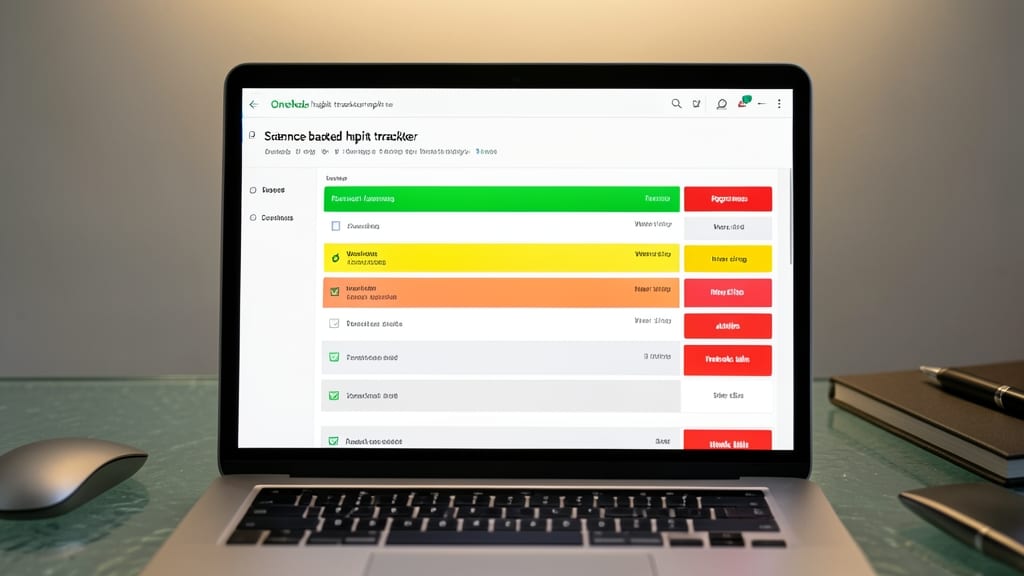
Turn small daily actions into lasting habits with this science-backed habit tracker designed to make progress visible. Unlike generic checklists, this template uses OneNote’s conditional formatting to automatically color-code progress bars—green for consistency, yellow for slips, and red for streaks at risk—so you can spot patterns and adjust before bad habits take root.
The template includes pre-built tables for 30-day streaks, customizable habit categories (fitness, reading, language learning), and motivational quotes that sync with your progress. For example, hitting 7 days of meditation might trigger a "You’re crushing it!" note, while a missed day shows a subtle warning. The drag-and-drop design lets you rearrange habits by priority, and OneNote’s search function helps you review past patterns in seconds.
Perfect for language learners tracking daily study sessions, fitness enthusiasts monitoring workouts, or professionals building writing routines—this tracker turns abstract goals into tangible, rewarding progress. 💪
Meeting Notes Template with Action Items
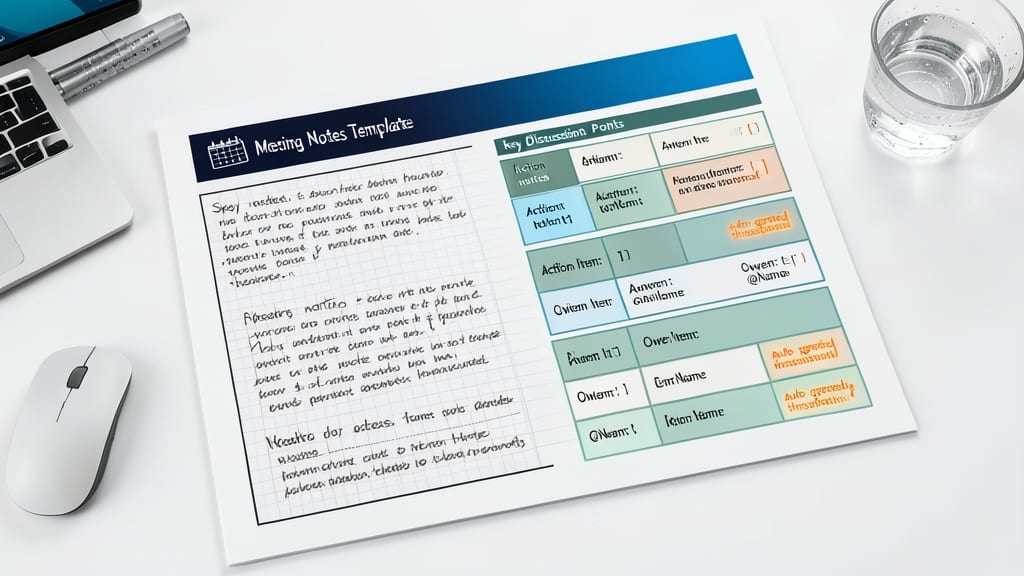
Tired of forgetting action items after meetings? This Meeting Notes Template turns passive notes into an actionable system with auto-generated timestamps and speaker notes—so you never miss a follow-up again.
The template includes pre-formatted sections for meeting details, key discussion points, and a dedicated action items checklist with checkboxes. OneNote’s searchable tags let you categorize notes by project or client, while the time-stamped agenda keeps everyone aligned. Best of all, it syncs across devices, so you can review notes on your phone during your commute.
Perfect for managers, consultants, and remote teams who juggle multiple meetings daily. Whether you’re documenting client calls or brainstorming sessions, this template ensures accountability without the manual effort. ✨
Student Academic Planner with Deadline Alerts
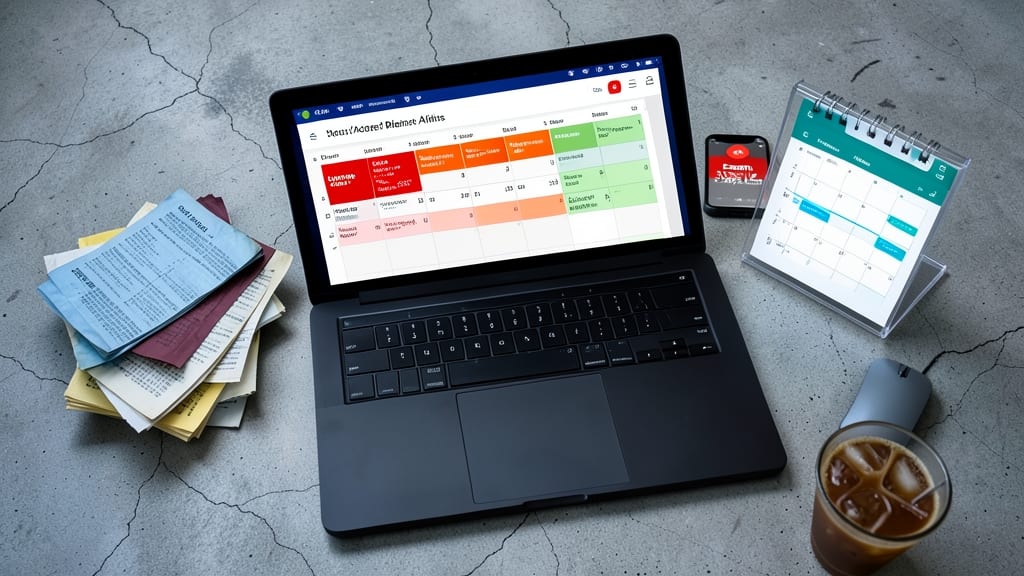
Drowning in syllabi and last-minute assignments? The Student Academic Planner with Deadline Alerts turns your OneNote into a stress-free command center. This template doesn’t just list deadlines—it automatically syncs with OneNote’s reminder system to ping you days before exams or papers are due, using customizable pop-up alerts that appear right on your taskbar.
You’ll find dedicated sections for syllabus breakdowns, study time blocks (color-coded by subject), and even a priority matrix to tackle high-stakes work first. The built-in GPA tracker updates as you input grades, while the resource library lets you clip lecture notes or article links directly into your planner. No more frantic scribbles on napkins—just one centralized hub for all your academic chaos.
Perfect for undergrads juggling multiple classes or grad students balancing research and deadlines. With zero setup required, it’s the ultimate lifesaver for students who want to focus on learning—not panic. ⚡
Travel Itinerary Organizer with Packing Lists
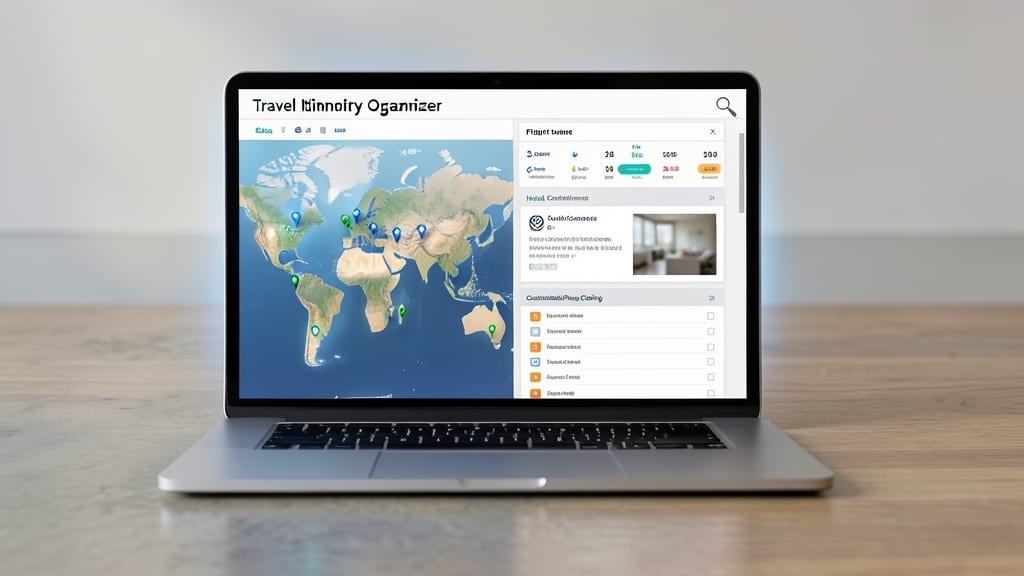
Forget scattered notes and last-minute packing panic—this Travel Itinerary Organizer keeps your entire trip in one searchable OneNote notebook. Digital nomads and globetrotters will love how it combines interactive maps with flight details, hotel confirmations, and customizable packing checklists (complete with weather-based outfit suggestions).
The template includes a dedicated expense tracker with currency conversion tools, so you’ll never miss a receipt or budget overrun. Drag-and-drop itinerary blocks let you rearrange plans instantly, while OneNote’s built-in reminder system alerts you to visa deadlines or gate changes. Best of all, it syncs across devices so your tablet in Tokyo updates in real-time with your desktop back home.
Perfect for frequent travelers, remote workers on the move, or anyone planning a multi-city adventure—this template turns chaos into clarity with just a few taps. ✨
Health & Wellness Tracker with Mood Logs
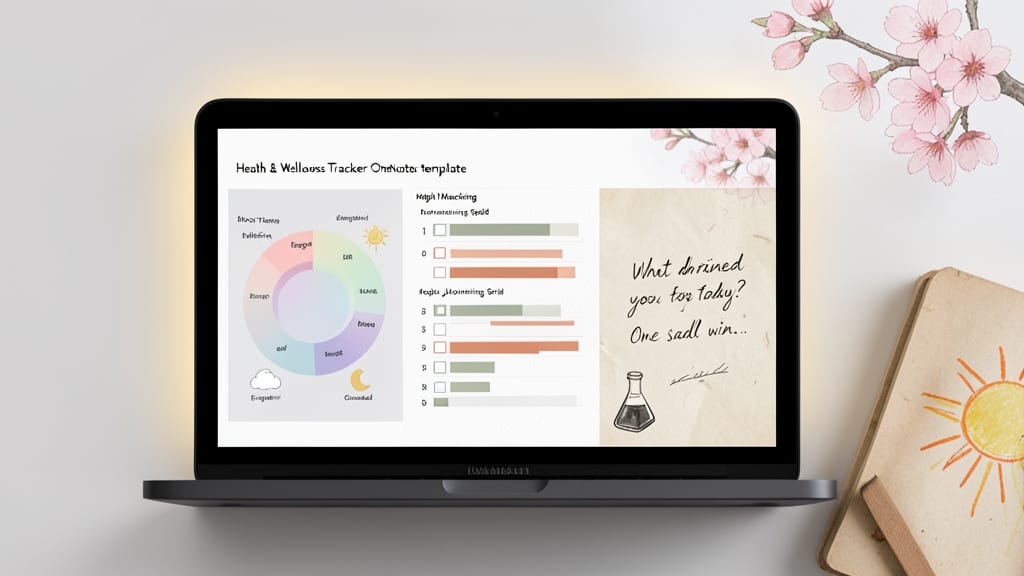
If self-care and mental clarity are your top priorities, this Health & Wellness Tracker turns OneNote into your personal wellness hub. Designed specifically for mood tracking, habit monitoring, and reflective journaling, it bridges the gap between digital organization and emotional well-being.
The template includes customizable mood logs with emoji-style indicators (happy, neutral, stressed) and self-care checklists for hydration, sleep, and mindfulness. OneNote’s ink tools let you sketch, doodle, or write freehand reflections—perfect for visual thinkers who process emotions through drawing. Sync across devices ensures your progress stays with you, whether you’re updating on your phone or diving deeper on a tablet.
Ideal for therapists, wellness coaches, or anyone prioritizing mental health, this template transforms passive tracking into an active, creative practice. 💡
Financial Budget Planner with Expense Categories
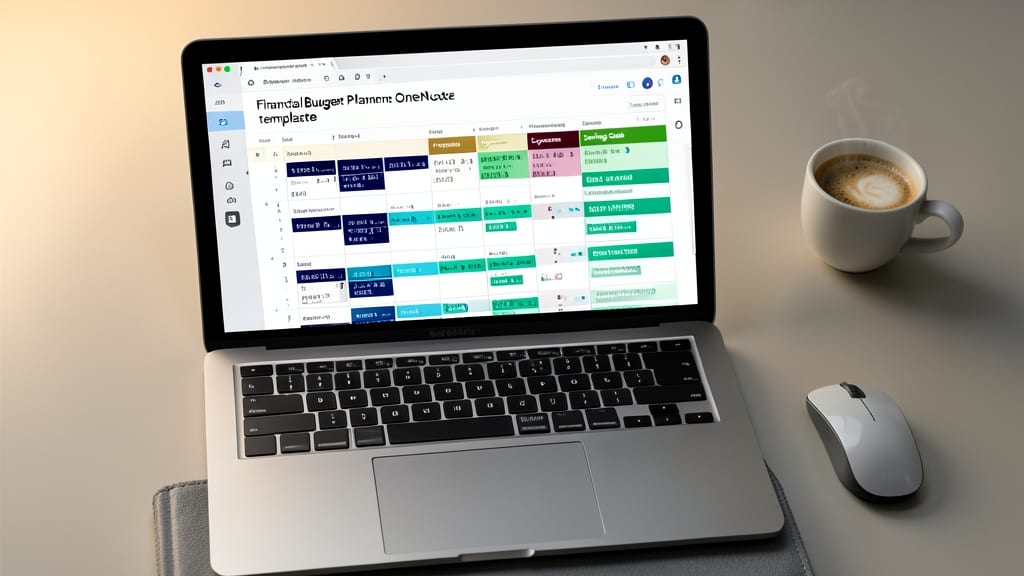
Tired of spreadsheets that feel like homework? This Financial Budget Planner turns OneNote into your personal CFO—without the complexity. Built-in tables with formulas automatically calculate totals, leaving you to focus on smarter spending decisions.
Categorize income, expenses, and savings goals with drag-and-drop tables, then watch OneNote’s real-time calculations update your budget at a glance. The template includes pre-set categories (housing, groceries, entertainment) and even monthly/yearly summaries—perfect for visual learners who prefer clarity over clutter.
Ideal for freelancers, small business owners, or anyone tired of manual budgeting. Sync it across devices and watch your financial confidence grow—no Excel degree required. 💡
Creative Brainstorming Canvas with Mind Maps
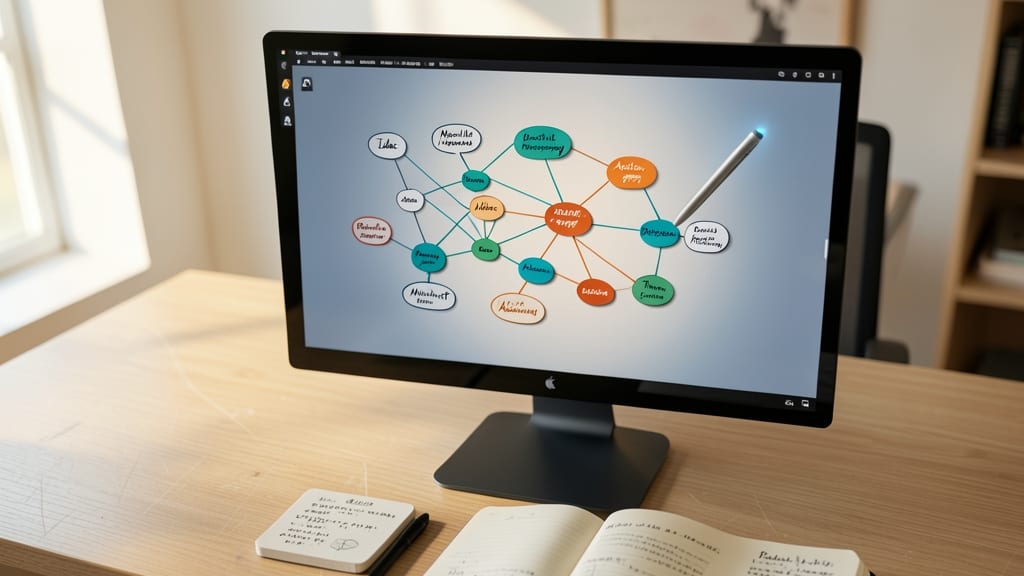
Stuck in a creative rut? OneNote’s Creative Brainstorming Canvas transforms scattered ideas into organized masterpieces—no sticky notes required. This infinite canvas template leverages OneNote’s ink tools and drag-and-drop mind-mapping to visually connect concepts, themes, and action steps in real time.
The template includes pre-built mind-map branches for easy expansion, color-coded themes to categorize ideas, and handwritten-style text that mimics whiteboard scribbles. You can even link branches to separate pages for deep dives—perfect for novelists outlining plots, designers sketching wireframes, or engineers mapping system architectures.
Ideal for solo brainstorming or team collaboration, this template syncs seamlessly across devices, so your lightbulb moments stay intact whether you’re on a Surface Pro or mobile app. 💡