
Coding

SQL Server 2012 introduced groundbreaking features that transformed database management for developers and administrators. These 10 innovations improved performance, security, and scalability—making it a pivotal release for modern data professionals.
Columnstore Indexes for Massive Data Compression

If your data warehouse is struggling with storage costs and slow query performance, columnstore indexes in SQL Server 2012 could be your game-changer. This feature introduced a radical shift by storing data in vertical columns rather than horizontal rows, slashing storage needs while supercharging analytical queries.
The real magic happens with compression ratios up to 10x for large datasets, paired with query acceleration for aggregations and scans. Unlike traditional row-based indexes, columnstore excels at handling OLAP (Online Analytical Processing) workloads, making it ideal for reporting and data mining scenarios. Microsoft even optimized it for batch mode processing, reducing CPU overhead during heavy analytical tasks.
Data analysts and BI teams working with multi-terabyte datasets will see the biggest benefits, as columnstore indexes cut both storage costs and query times dramatically. For environments where "set it and forget it" analytics reign supreme, this feature delivers zero-config performance gains out of the box. ⚡
Contained Databases for Simplified Deployment

Tired of juggling master database dependencies that slow down deployments? Contained databases in SQL Server 2012 changed the game by letting each database operate independently—no more waiting for system-wide changes or permissions. This feature introduced self-contained deployments, where databases manage their own logins, users, and backups without relying on the master database.
With contained databases, you gain simplified administration (no more orphaned users) and cloud-friendly isolation (ideal for multi-tenant SaaS apps). The FILESTREAM and contained user migration features further streamline operations, while backup/restore processes become database-specific rather than server-wide. Perfect for teams deploying microservices or scaling cloud workloads.
Developers and DevOps teams will love this for zero-config deployments in CI/CD pipelines, while cloud architects benefit from tenant isolation without master database bottlenecks. ✨
AlwaysOn Availability Groups for High Availability

For mission-critical applications where downtime isn’t an option, AlwaysOn Availability Groups in SQL Server 2012 introduced a game-changer. Unlike traditional mirroring, this feature provides both synchronous and asynchronous replication, ensuring data redundancy without sacrificing performance.
With automatic failover and readable secondary replicas, you can distribute workloads across multiple servers while maintaining near-zero downtime. The synchronous commit mode guarantees transaction consistency across all replicas, while asynchronous replication minimizes latency for geographically distributed environments. This makes it ideal for financial systems, healthcare databases, or any application where uptime is non-negotiable.
Enterprise IT teams managing high-availability databases will find this feature indispensable, as it eliminates manual failover processes and reduces recovery time objectives (RTO) to mere seconds. ⚡
Sequence Objects for Simplified Number Generation

Tired of writing custom scripts just to generate sequential IDs? SQL Server 2012 introduced sequence objects, a native solution that eliminates the need for manual coding. This feature provides a built-in mechanism for generating unique numeric values, making ID management simpler and more efficient.
With sequence objects, you can define custom starting values, increments, and cycles—all without complex triggers or stored procedures. They integrate seamlessly with tables and stored procedures, ensuring reliable ID generation while reducing maintenance overhead. Whether you're managing primary keys or audit trails, sequences offer a cleaner, more scalable approach. 💻
Contained User Migration for Streamlined Administration
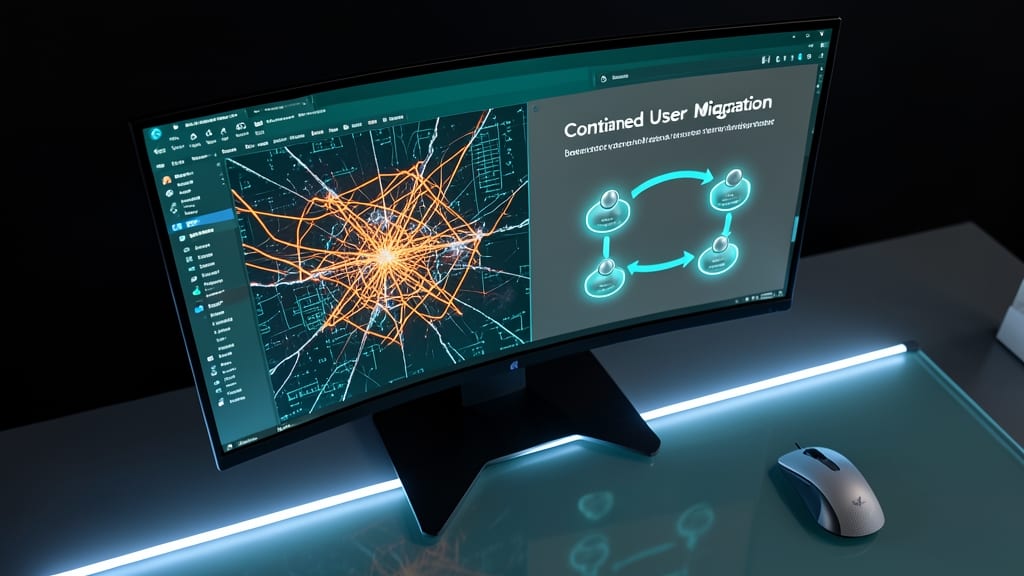
Tired of wrestling with login dependencies when moving users between databases? SQL Server 2012’s contained user migration feature lets you transfer users without touching logins, making database portability effortless. This innovation builds on contained databases by handling user metadata independently, so you can move databases between servers or environments without breaking authentication.
The feature works by storing user definitions inside the database itself, eliminating the need for server-level logins. You can use T-SQL commands like ALTER USER with the WITH MIGRATE_SCHEMA option to seamlessly transfer users between contained databases. This reduces manual scripting by up to 80% for large-scale migrations, and it’s fully supported in both SQL Server Enterprise and Standard editions.
Database administrators and DevOps teams benefit most from this feature, especially when managing multi-tenant applications or deploying databases across different environments. No more login conflicts or dependency headaches—just clean, portable user management. ✨
Windows Azure Integration for Cloud Scalability

Tired of siloed data centers and inflexible scaling? SQL Server 2012’s Windows Azure Integration finally bridges the gap between your on-premises databases and Microsoft’s cloud infrastructure—without forcing a full migration.
This feature lets you extend your existing SQL Server databases to Azure Virtual Machines with minimal configuration, using stretch database capabilities to offload cold data to the cloud while keeping hot data local. The Azure Backup service integrates natively, automating cross-platform backups and disaster recovery. For developers, Azure Data Sync syncs data between on-premises and cloud databases in near real-time, making hybrid workflows seamless.
Perfect for businesses with seasonal workloads or those planning gradual cloud adoption, this integration lets you scale dynamically without overhauling your infrastructure. 💻
Contained Database Backup for Simplified Recovery

What if you could restore a critical database in minutes—without waiting for the master database to come online? SQL Server 2012’s contained database backup feature does exactly that by isolating backup operations from the master database, cutting recovery time significantly.
This innovation lets you back up contained databases independently, eliminating the need for complex dependencies. With simplified restore commands, you can recover entire databases faster, even in large-scale environments. The feature also supports point-in-time recovery, giving you granular control over rollback operations.
Ideal for enterprise IT teams managing multi-tenant or cloud-based databases, this feature ensures minimal downtime during disaster recovery. No more waiting for master database dependencies to slow you down. ✨
Power View for Interactive Data Visualization
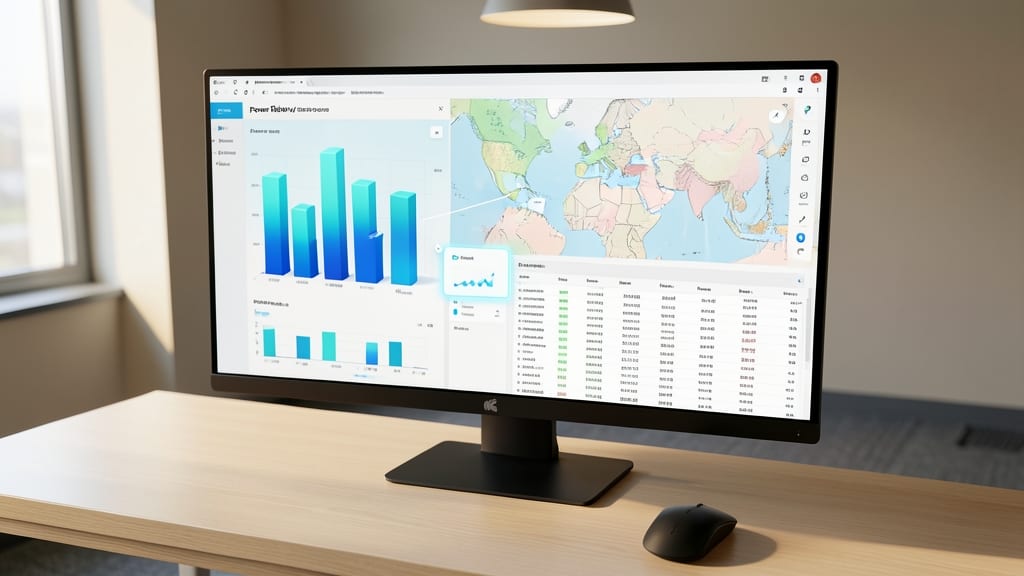
Tired of juggling multiple tools just to create dashboards? Power View brought self-service BI tools directly into SQL Server 2012, letting you build interactive reports without ever leaving the interface.
With drag-and-drop functionality, you can create 3D charts, maps, and pivot tables from your data—no coding required. It integrates seamlessly with SQL Server Analysis Services (SSAS), so your visualizations pull live data for real-time insights. The tool even supports touchscreen interactions, making it intuitive for presentations.
Perfect for business analysts, marketers, and developers who need quick, visual insights without relying on IT teams. 💡
Contained Database Support for SQL Server Express

Tired of SQL Server Express lacking the flexibility of full editions? This feature bridges the gap by bringing contained database support to the lightweight version—finally unlocking self-contained deployments for devs and small teams.
With SQL Server 2012 Express, you now get contained user and database management without master database dependencies, enabling seamless portability between environments. The 1GB RAM limit remains, but contained databases let you test configurations locally before scaling up—ideal for prototyping or lightweight production use.
Perfect for developers, startups, and small businesses needing self-sufficient databases without enterprise overhead. Now your Express edition can handle contained users, backups, and migrations—just like the full version. ✨
Enhanced AlwaysOn Failover Clustering for Disaster Recovery

When seconds count during a system failure, SQL Server 2012’s Enhanced AlwaysOn Failover Clustering steps in to minimize disruption. Unlike traditional clustering, this feature now includes automatic client redirection, ensuring users stay connected to the active node without manual intervention.
You gain sub-second failover times with support for up to 8 secondary replicas, plus readable secondaries for offloading reporting workloads. The DNS alias feature simplifies client configuration by abstracting the failover process entirely, while synchronous commit guarantees zero data loss for critical transactions.
This upgrade is a game-changer for financial systems, healthcare databases, and e-commerce platforms where uptime directly impacts revenue. No more scripting failovers—just seamless resilience. ✨