
Software

Mastering Microsoft Access can transform how you manage data, but finding quality training shouldn’t cost a fortune. These 10 completely free online courses—ranging from beginner basics to advanced database design—will equip you with the skills to create professional databases without spending a dime.
Microsoft Access Tutorial for Beginners by GCF Global

Stuck staring at a blank Microsoft Access window, unsure where to start? GCF Global’s Microsoft Access Tutorial for Beginners cuts through the confusion with zero-assumption video lessons that guide you from opening the software to building your first database. Unlike overwhelming textbooks, this course breaks down core concepts—like creating tables, designing queries, and crafting forms—into digestible, screen-recorded steps.
You’ll follow along with real-time demonstrations that show how to input data, establish relationships between tables, and generate reports—all while avoiding common pitfalls that trip up new users. The tutorials even include downloadable practice files so you can experiment safely without risking your own work. With no prerequisites, this is the perfect launchpad for anyone transitioning from spreadsheets to structured databases.
Best suited for small business owners, students, or hobbyists who need a stress-free introduction, this course turns intimidation into confidence in just a few hours. 💡
Introduction to Microsoft Access by Udemy Free Course

If you learn best by seeing concepts in action, Udemy’s free Introduction to Microsoft Access course is designed with you in mind. Unlike traditional tutorials that overwhelm with theory, this course delivers interactive exercises that let you practice core skills—like creating table relationships, applying filters, and writing simple macros—while you learn.
The course packs 2 hours of focused training into bite-sized modules, ensuring you grasp essentials without information overload. You’ll work through hands-on challenges that reinforce concepts like query design and form creation, all while receiving immediate feedback. The visual approach makes it easier to connect theory with practical application, whether you’re tracking inventory or managing contacts.
Ideal for visual learners, small business owners, or students who need a quick but effective introduction, this course turns abstract database concepts into tangible skills in record time. 💡
Microsoft Access: Complete Beginner to Advanced by YouTube (Access Tutorials)
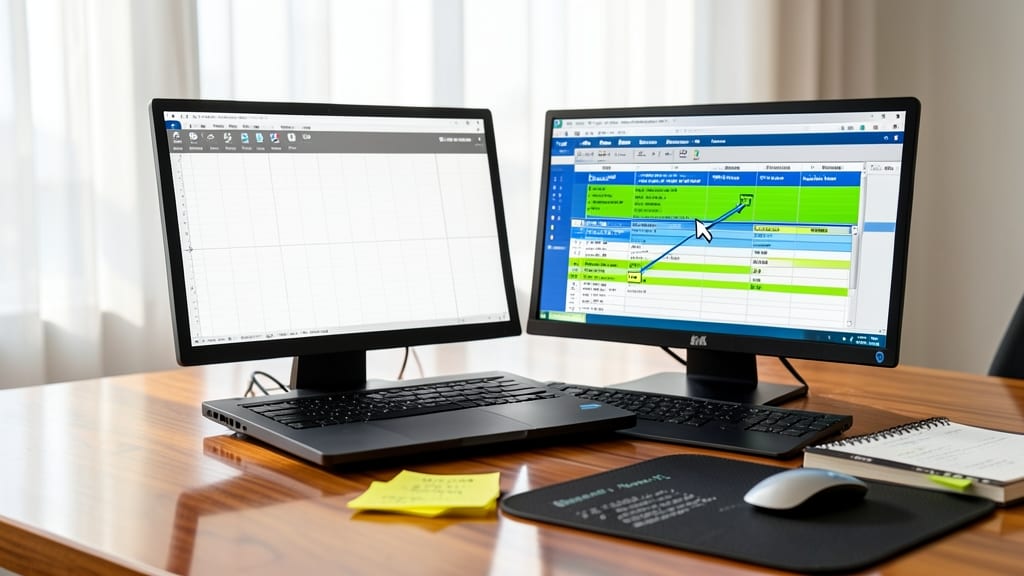
Tired of dry theory that leaves you staring at a blank Access window? The Microsoft Access: Complete Beginner to Advanced series on YouTube delivers real-world projects—like inventory trackers and appointment schedulers—while you learn. Each video builds on the last, ensuring you apply concepts immediately rather than memorizing them.
With over 50 videos spanning tables, queries, forms, and even VBA basics, this channel stands out by using downloadable practice files for every lesson. The self-paced structure lets you pause, rewind, and experiment without pressure—perfect if you thrive on hands-on problem-solving over textbook-style lessons.
This is the ideal pick for small business owners, students, or anyone who learns by doing, not just watching. 💻
Microsoft Access 2016: Introduction by LinkedIn Learning (Free Trial)
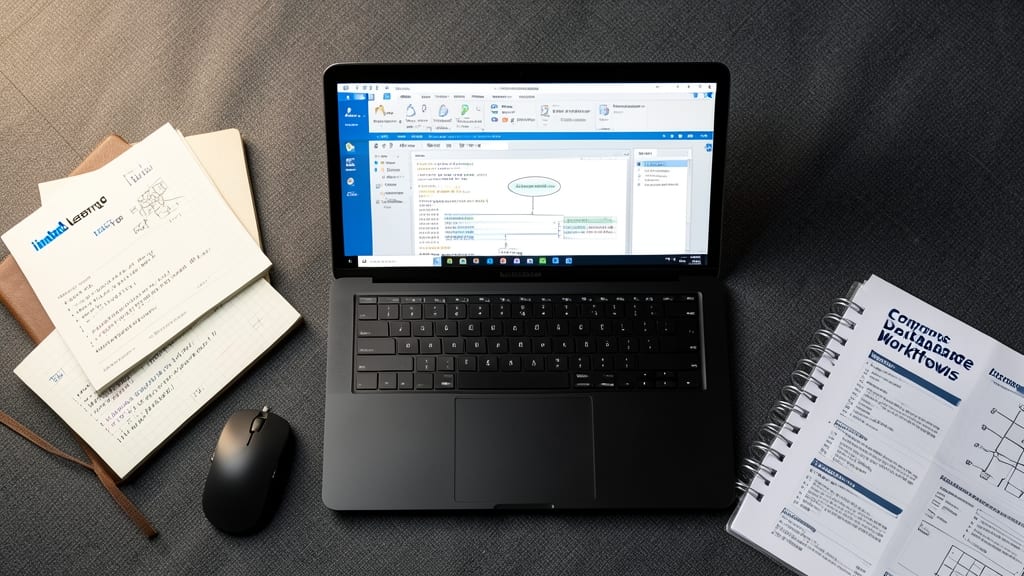
If your workplace relies on Microsoft Access but you’ve never received formal training, LinkedIn Learning’s free trial for Microsoft Access 2016: Introduction bridges that gap with precision. This course isn’t just theory—it’s packed with real-world projects designed to mirror corporate database workflows, from inventory tracking to client management systems.
The 3-hour course covers essentials like table relationships, query design, and form creation, with step-by-step guidance tailored for professionals. Unlike generic tutorials, it emphasizes practical applications—think creating a database for HR records or sales tracking—so you can apply skills immediately. The LinkedIn Learning platform also lets you track progress and revisit lessons, making it ideal for busy schedules.
Perfect for office workers, small business owners, or anyone tasked with managing workplace data, this course delivers corporate-ready skills without the cost. 💻
Microsoft Access SQL Queries for Data Analysis by Khan Academy

If you’ve mastered basic Access tables and forms but struggle to extract meaningful insights, Khan Academy’s Microsoft Access SQL Queries for Data Analysis bridges that gap. This course dives deep into SQL integration within Access, teaching you how to transform raw data into actionable reports—without writing complex code from scratch.
You’ll learn to craft parameterized queries, aggregate data with GROUP BY and HAVING clauses, and even join tables across multiple sources. The lessons emphasize real-world analytical scenarios, like calculating sales trends or identifying outliers, using Access’s built-in SQL View. Best of all, it’s 100% free and aligns with industry-standard practices for data professionals.
Perfect for analysts, small business owners, or students transitioning from spreadsheets to structured databases. Whether you’re tracking inventory or customer behavior, this course turns Access into a powerful data analysis tool. ✨
Microsoft Access VBA Programming for Automation by Microsoft Virtual Academy

Ready to take your Access databases from basic to brilliant? The Microsoft Virtual Academy’s VBA Programming course unlocks the power of Visual Basic for Applications (VBA)—the secret sauce behind automated workflows, custom forms, and complex logic in Access.
This official Microsoft resource dives into VBA fundamentals, teaching you how to write macros that handle repetitive tasks, validate data entries, and even generate reports automatically. With hands-on labs and real-world examples, you’ll learn to customize Access beyond its built-in features—think dynamic form controls, automated data imports, and error-handling routines. The course assumes some Access familiarity but starts with the basics of VBA syntax and debugging.
Perfect for power users who want to eliminate manual work or developers looking to extend Access functionality. Whether you're managing inventory systems or creating interactive dashboards, VBA automation will save you hours. ✨
Microsoft Access for Data Management by Coursera (Free Audit Option)
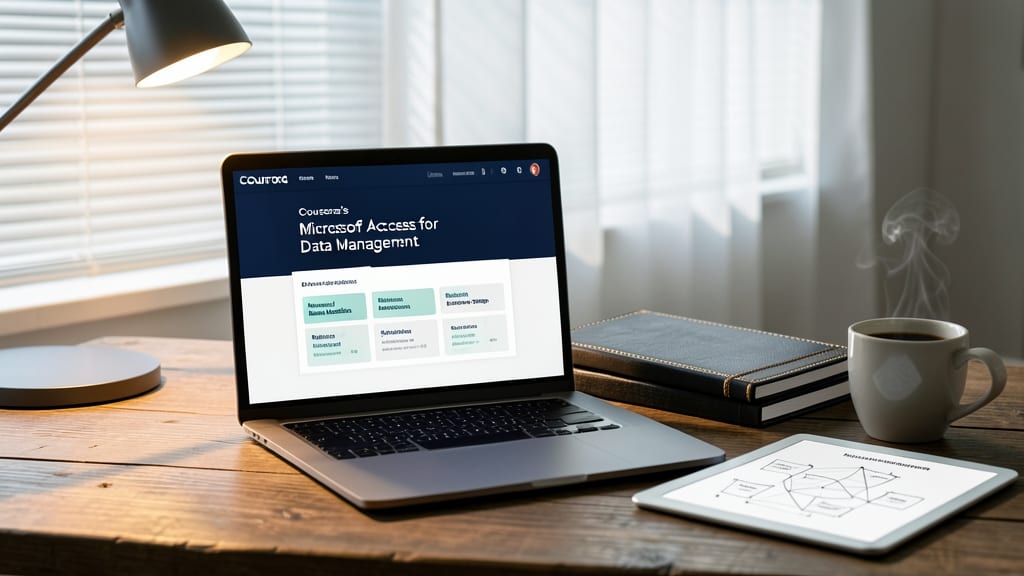
Need academic credibility for your Microsoft Access skills? Coursera’s Microsoft Access for Data Management course delivers university-level rigor without the tuition price tag. Taught by industry experts, it dives into advanced data modeling, normalization techniques, and relational database design—topics rarely covered in free beginner courses.
The free audit option lets you access all lectures, assignments, and peer-reviewed projects while earning a Coursera certificate (for a fee). You’ll master multi-table relationships, complex queries, and report generation—skills that translate directly to professional databases. The course also emphasizes real-world applications, like inventory management systems or HR databases, making it ideal for career growth.
Perfect for students building academic portfolios or professionals needing structured training to advance their careers. Whether you’re prepping for certifications or simply want to stand out, this course bridges the gap between hobbyist and expert. ✨
Microsoft Access Macros and Forms by Access World Forum
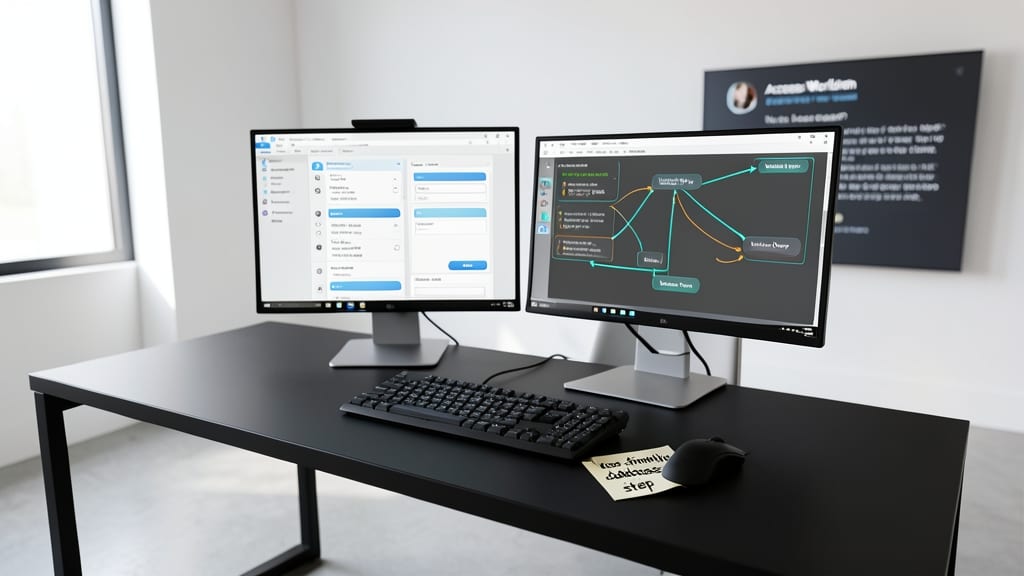
Want to build interactive forms and automated macros in Microsoft Access—without getting lost in theory? The Access World Forum delivers community-driven tutorials packed with real-world examples that show you how to create user-friendly databases step by step.
This resource stands out by focusing on practical applications, like designing forms with dropdown menus, buttons, and conditional formatting, plus writing simple macros to streamline repetitive tasks. The tutorials walk you through common pain points, such as validating data entries or linking forms to tables—all while keeping the process intuitive for non-coders.
Perfect for small business owners, freelancers, or hobbyists who need functional databases fast, this forum’s collaborative approach means you can ask questions and refine your skills with peers facing the same challenges. ✨
Microsoft Access Mobile Database Solutions by Microsoft Docs

If your team relies on real-time data but struggles with desktop-only Access databases, Microsoft’s official Mobile Database Solutions guide is your game-changer. This step-by-step resource shows how to sync Access databases with mobile devices—critical for field workers or remote teams who need offline data access.
The guide covers Access 2016 and later, including setup for Windows 10 Mobile and iOS/Android via SharePoint integration. You’ll learn to publish databases to SharePoint, configure mobile forms, and enable offline edits that sync automatically when connectivity returns. The zero-configuration approach ensures minimal IT overhead.
Perfect for sales teams, inspectors, or service technicians who need to log data on-site. With Microsoft’s backing, this is the most reliable way to bridge desktop and mobile workflows without third-party tools. ✨
Microsoft Access Security and Data Protection by Access Experts

If your database contains sensitive client data, financial records, or proprietary information, securing it isn’t just best practice—it’s a necessity. The Microsoft Access Security and Data Protection training by Access Experts dives deep into encryption methods, role-based permissions, and secure database architecture to shield your data from breaches.
You’ll learn how to implement password policies for databases, configure user-level security with granular permissions, and design audit trails to track changes. The course also covers data validation rules and backup strategies tailored for compliance with regulations like GDPR or HIPAA. Hands-on labs simulate real-world threats, ensuring you can apply these techniques immediately.
Perfect for IT administrators, compliance officers, or small business owners managing confidential data, this training turns Access into a fortress for sensitive information. 💪